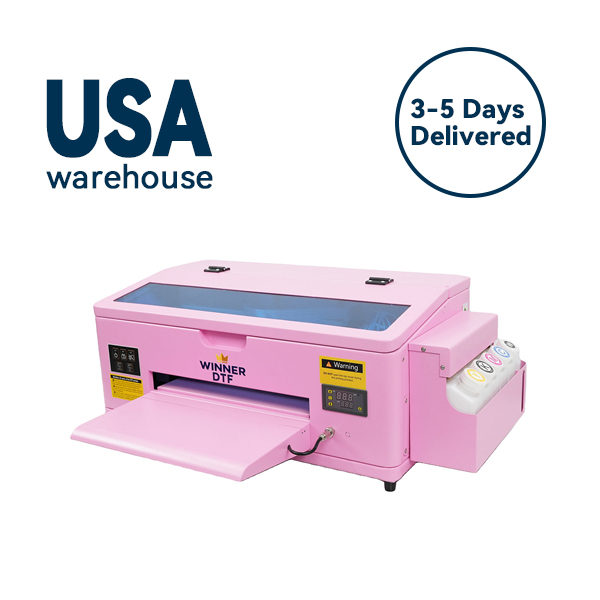
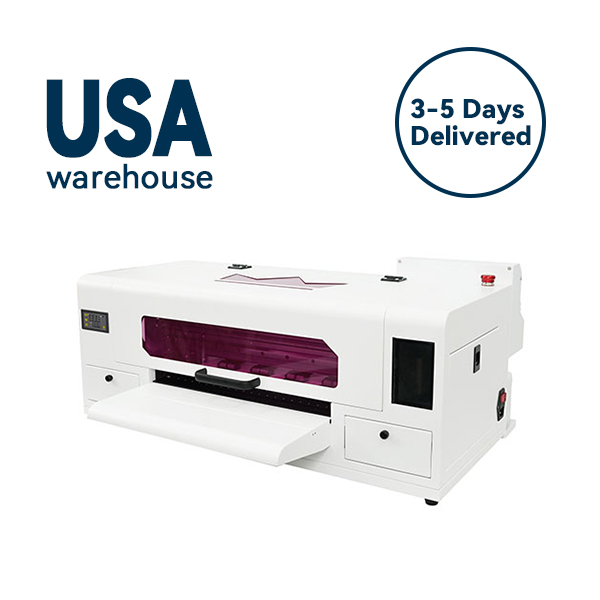
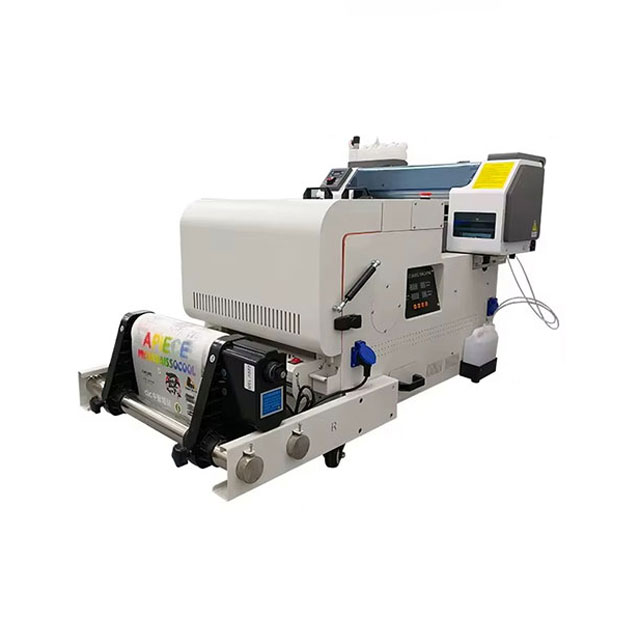
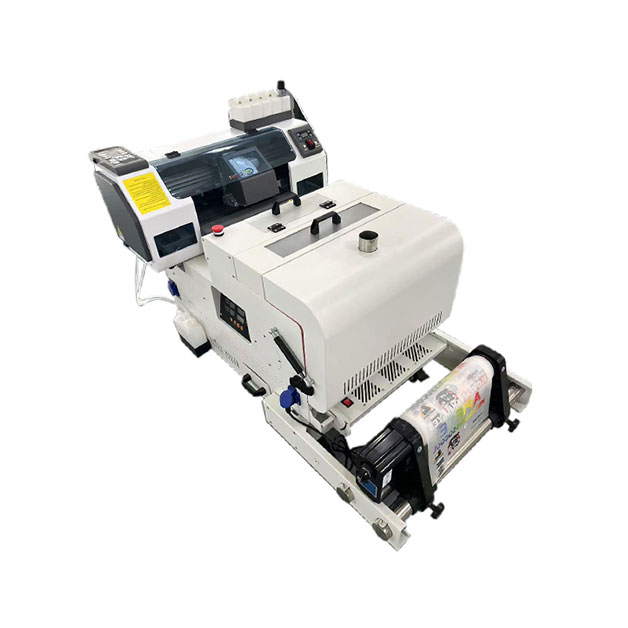

In the custom apparel industry, if you haven’t paid attention to or invested in a DTF printer yet, you might be missing out on the current technological wave. From Etsy artisans to large-scale screen printing shops, Direct-to-Film technology is fundamentally changing the game.
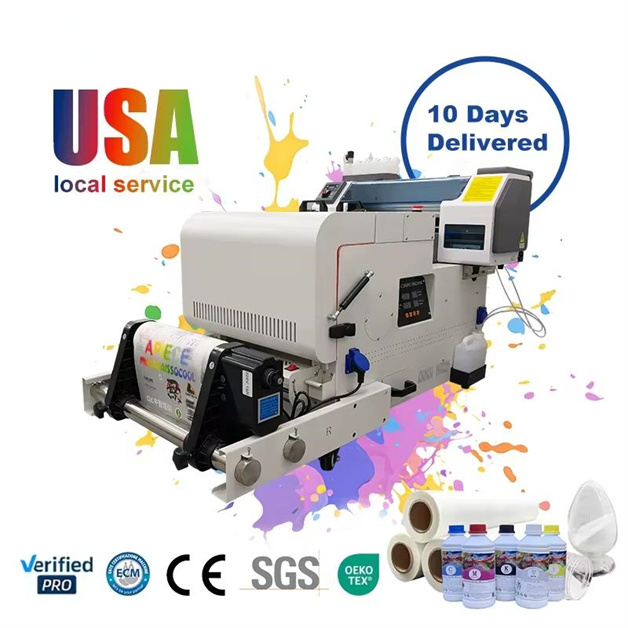
However, in 2026, the market is flooded with DTF printer models ranging from $2,000 to over $20,000, with confusing terms like “industrial-grade,” “desktop,” and “UV-DTF.” For those planning to enter the market or upgrade their equipment, this isn’t just a purchase; it’s a critical business decision impacting your Return on Investment (ROI).
This article will not only explain what a DTF printer is but also delve into how to choose the machine that truly fits your business needs, based on the latest 2026 market trends, authoritative review data, and insights from experienced engineers. We’ll also reveal maintenance tips and efficiency-boosting tricks known only to industry insiders.
The Core Advantages of DTF Printers: Why They Are Mainstream in 2026?
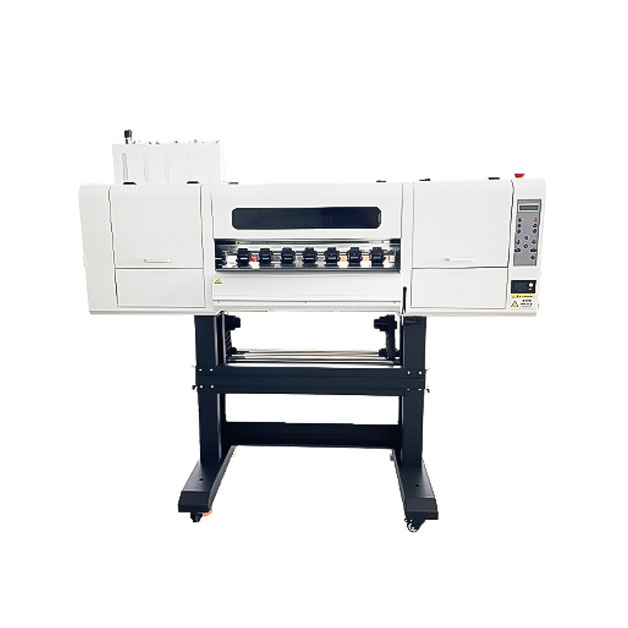
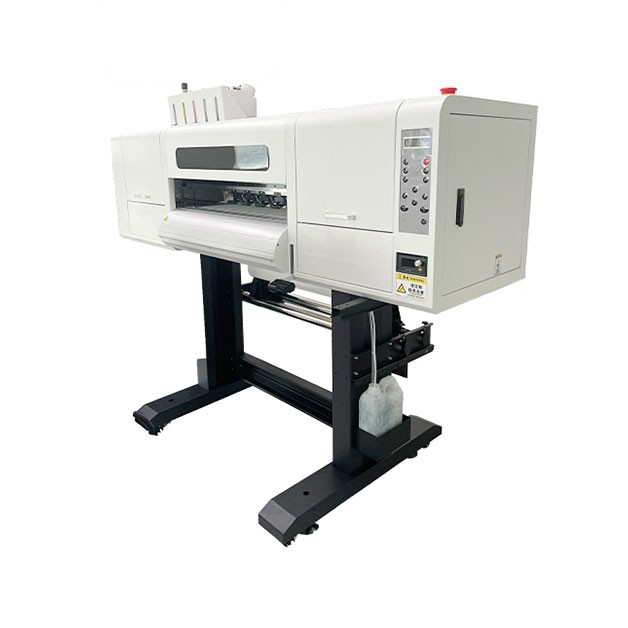
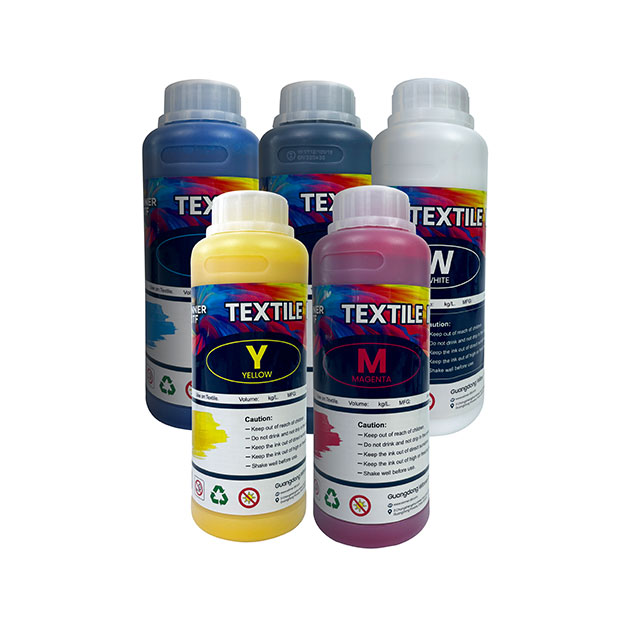
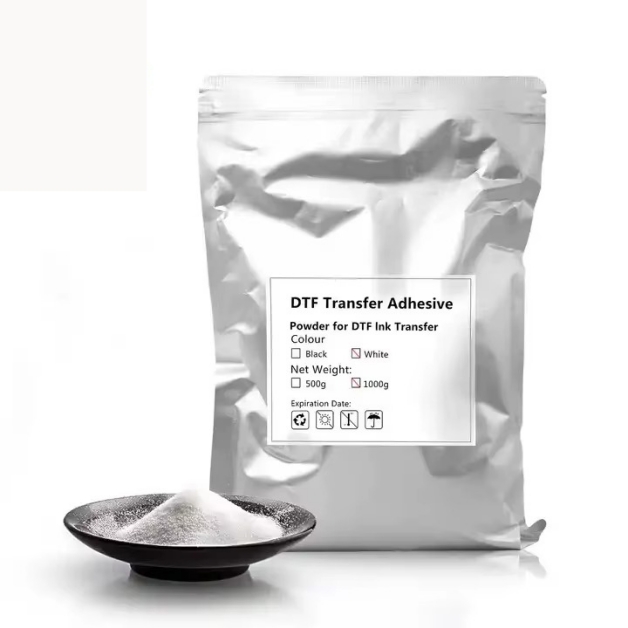
Before diving into how to choose one, we must understand the underlying logic of DTF printing. Unlike traditional DTG (Direct-to-Garment), a DTF printer doesn’t print directly onto the clothing. Its principle involves printing the design onto a special PET film, then using hot-melt adhesive powder and a heat press to transfer the design onto the garment.
This seemingly “extra step” process actually solves long-standing industry pain points.
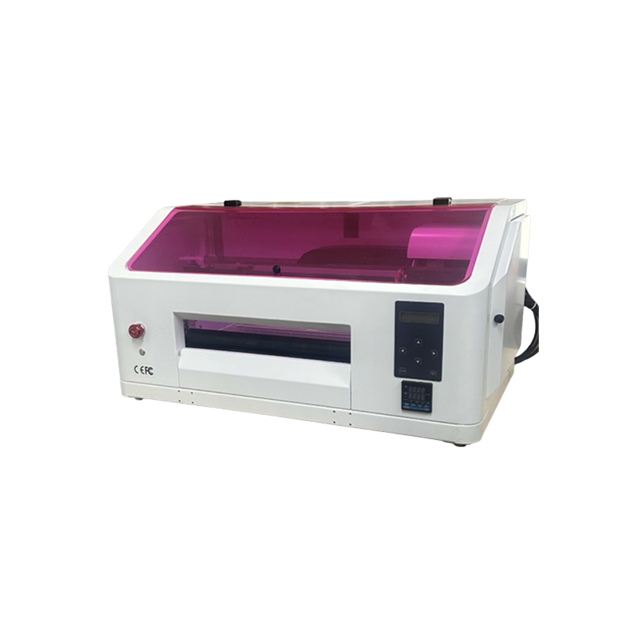
If your focus extends beyond apparel into hard substrates, the most significant technological breakthrough to watch in 2026 is the UV-DTF printer. The Mimaki UJV300DTF-75 is a prime example. It uses UV-curable inks to transfer onto curved, uneven, or even slightly sticky surfaces. This means your business can expand from T-shirts to phone cases, helmets, golf clubs, and decorative prints. This is a valuable differentiation for businesses looking to tap into high-value-added custom markets.
Many buyers focus only on price and print width during selection, which often leads to problems later. According to insights from industry engineers, the following five “non-negotiable” technical indicators are crucial for your decision.
The printhead is the heart of the DTF printer. Currently, printheads based on Epson XP600, L1800, or i3200 are the “gold standard” due to proven durability and broad ink compatibility.
However, what truly determines a printhead’s lifespan isn’t the model itself, but the protection system. High-quality DTF printers feature Active Capping Stations and Automatic Nozzle Check functions. This effectively prevents white ink, which has larger pigment particles prone to clogging, from drying inside the nozzles when the printer is idle.
There’s a saying in the industry: “In DTF printing, success or failure hinges on the white ink.” White ink is heavier than CMYK color inks and settles more easily.
In the 2026 market, this feature is a major differentiator between budget printers and high-end ones.
You might have seen printers where the printed film curls up or the powder sticks together after shaking. This is often due to an unbalanced heating system.
A good DTF printer should feature PID-controlled zoned heating, ensuring even heat distribution across the film during transport, with temperature fluctuations kept within ±2°C. This not only keeps the film flat but also ensures optimal powder melting for better adhesion during transfer.
For most startups, “cost-effectiveness” is the primary consideration. However, according to Alibaba’s latest purchasing guide released in February 2026, the definition of “cheap” has significantly evolved.
A printer priced at $2,199 might seem tempting. But if it forces you to spend an hour daily on manual calibrations, frequently replace clogged printheads, or results in an 11% film waste rate, its comprehensive cost over three months could easily exceed that of a $3,500 machine.
If you plan to source directly from platforms like Alibaba to cut costs, you must be more cautious in 2026. Although “Verified Supplier” requirements are stricter, risks remain.
You need to ask suppliers for three specific things:
No matter how expensive your machine is, problems can arise with heavy use. Mastering the following logical troubleshooting steps can help you resume production quickly and minimize losses.
This is one of the most frustrating problems. When you notice the white underbase bleeding out from under the color layer or shrinking inward, the issue could stem from three different areas:
Horizontal streaks often don’t mean your printhead is broken.
Solution Strategy: Maintain your workspace at a consistent 45%-55% relative humidity. If streaking appears mid-print, immediately print a nozzle check pattern. If the pattern is perfect, the environment is the likely culprit (causing intermittent firing). If the pattern shows missing nozzles, you need a deep cleaning or even a printhead soak.
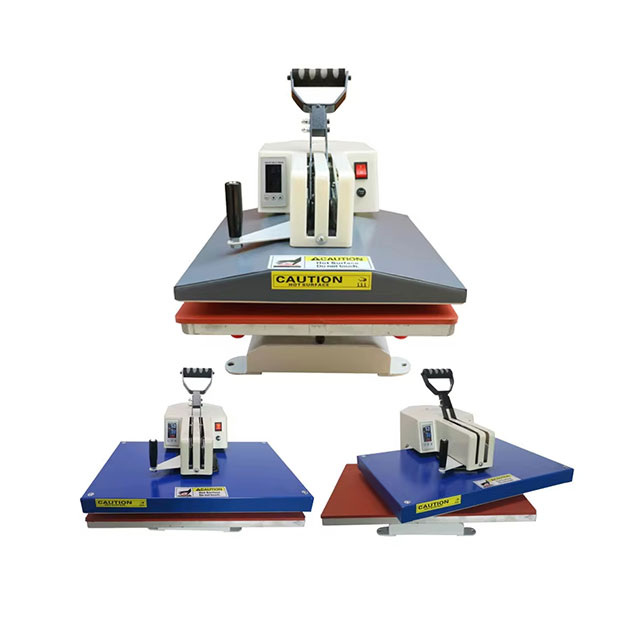
Buying a DTF printer is just the first step. True production workflow extends from the printer to the heat press.
Many beginners blame the ink when a print washes off, but 90% of the time, it’s due to insufficient heat pressing or uneven pressure.
Don’t overlook the quality of your film and hot-melt powder.
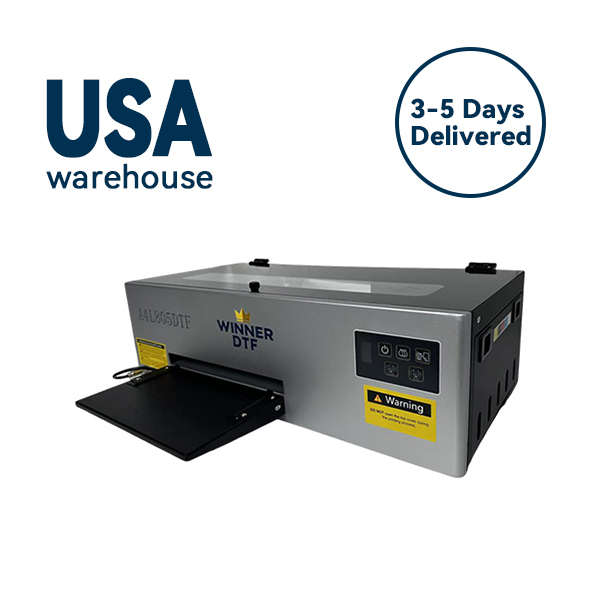
2026 marks a year of maturity and segmentation for DTF printers. From the color accuracy and durability demonstrated by Roland DG’s BLI award-winning TY-300, to the ease-of-use revolution driven by companies like xTool in the consumer market, and the new frontier of hard substrates opened by Mimaki’s UV-DTF, a clear trend emerges: technology is simplifying complex printing processes into steps anyone can follow.
For investors, the biggest risk in entering the DTF space today isn’t competition, but choosing the wrong equipment. Don’t be fooled by spec sheets. Don’t pay a premium for extreme speeds you won’t use. Return to the fundamentals of your business: Can this DTF printer reliably complete every single order? Is its total operating cost within your budget? Can its print quality help you retain demanding customers?