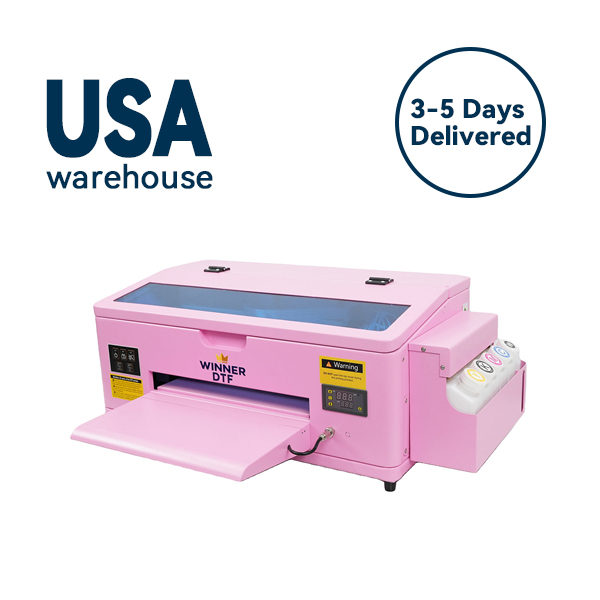
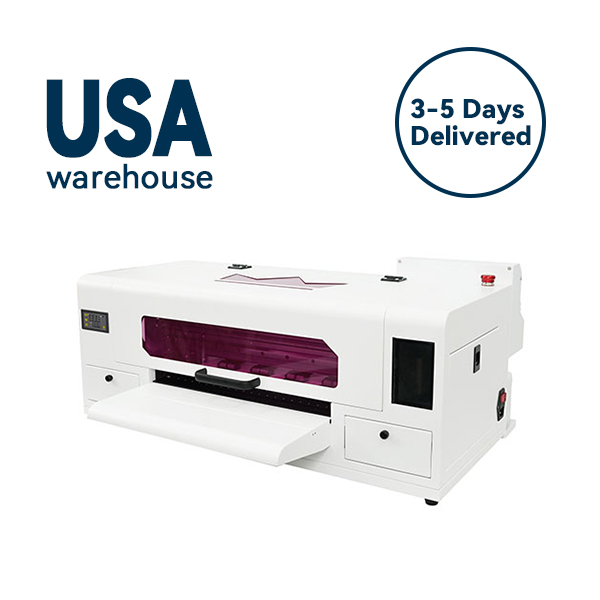
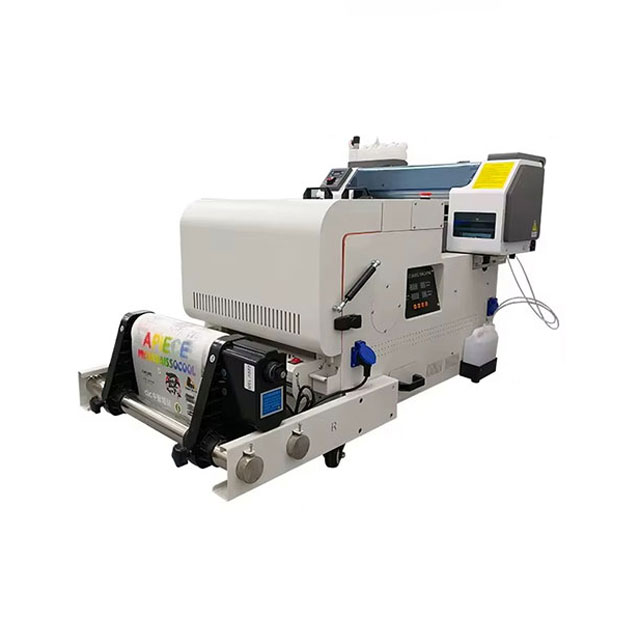
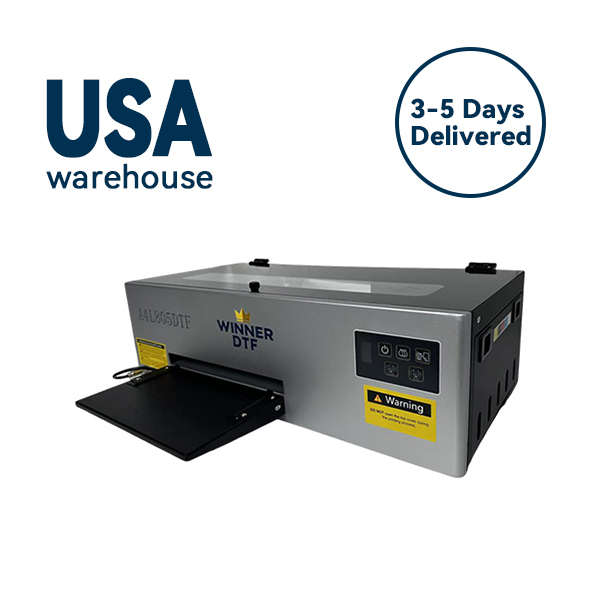
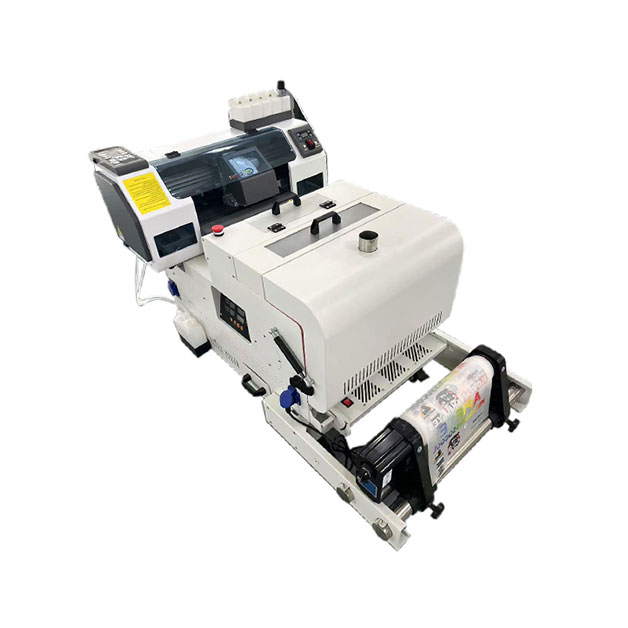
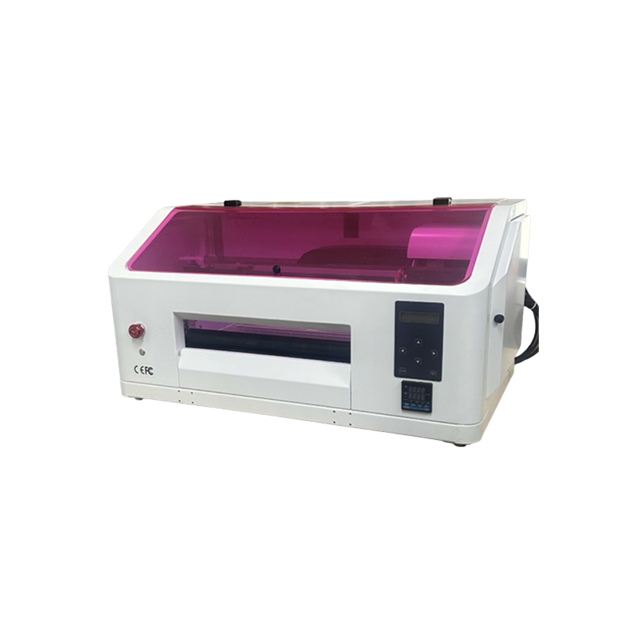
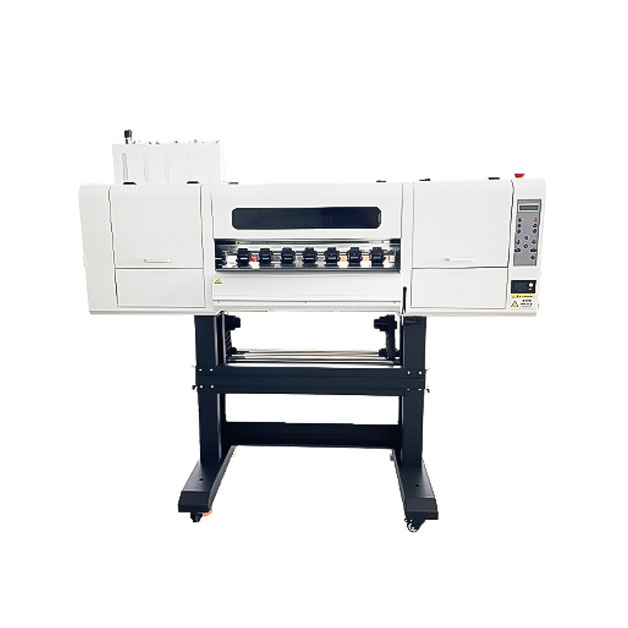
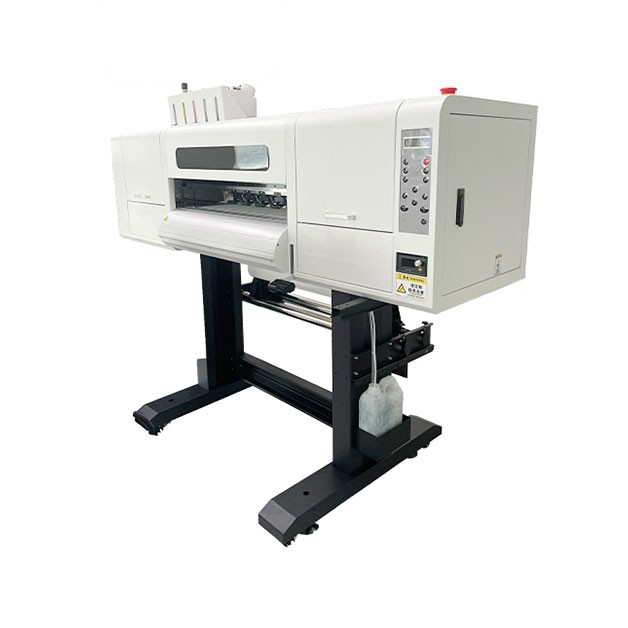
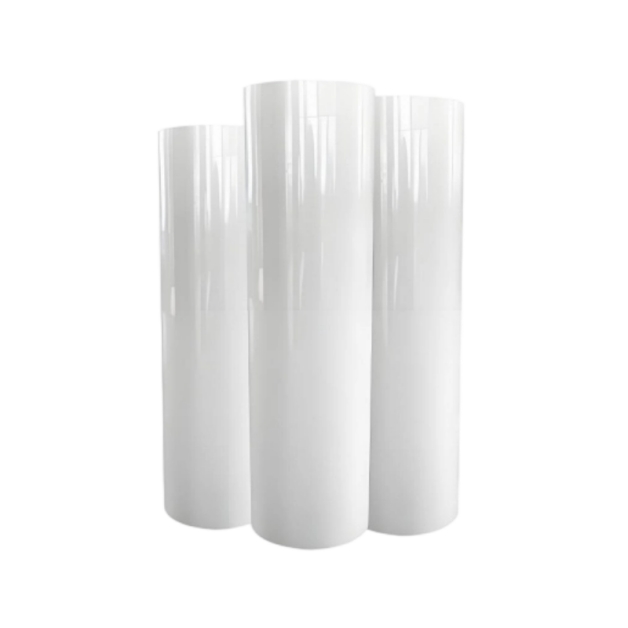
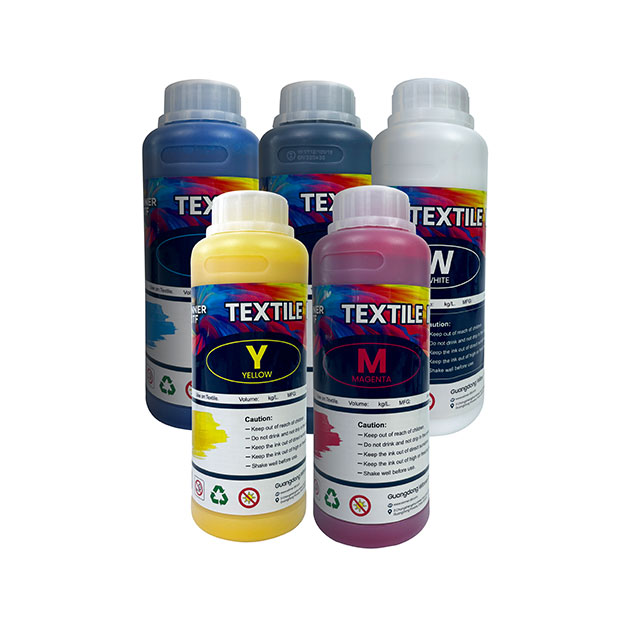
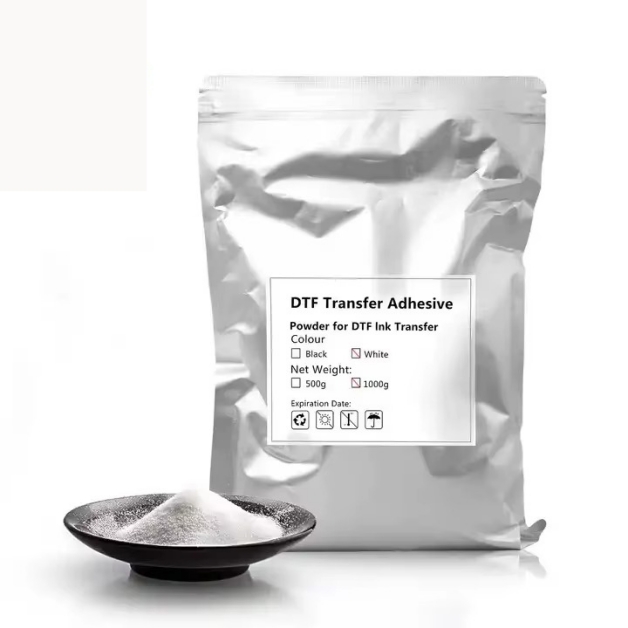

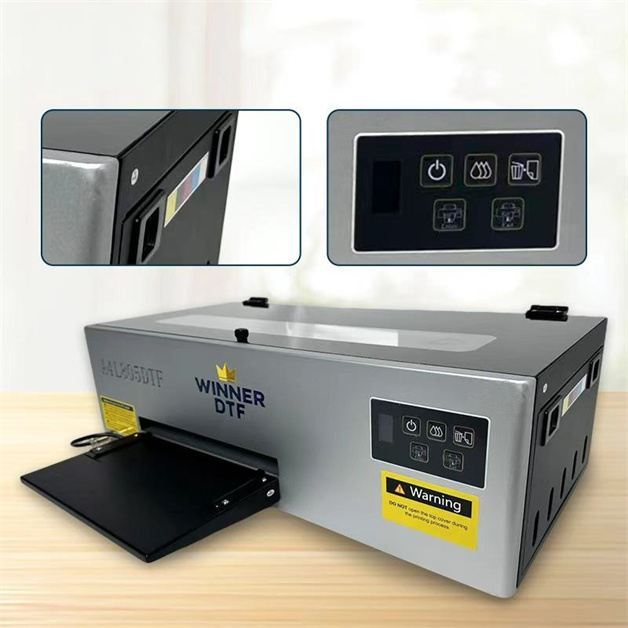
In the digital printing industry, UV DTF Printers (UV Digital Thermal Transfer Printers) have become popular equipment for small and medium-sized businesses to expand their operations, thanks to their advantages of “unlimited material compatibility, instant drying after printing, and strong adhesion”. However, many users report issues: a printer bought for 20,000 yuan has poor printing precision, clogs nozzles after 3 months of use, or even lacks after-sales support. In fact, most of these problems stem from “incorrect purchasing decisions”. Combining 5 years of experience in UV printing equipment debugging and hands-on testing of 12 mainstream models, this article covers difference comparisons, pitfall avoidance, parameter interpretation, and model recommendations to help you make the right choice. It also includes practical cost-saving tips, making it easy for beginners to get started.
1. First, Understand: Core Differences Between UV DTF Printers and Traditional Equipment to Avoid Wrong Usage Scenarios
Many people confuse UV DTF printers, traditional DTF printers, and UV flatbed printers. In reality, their applicable scenarios differ significantly—choosing the wrong one will directly affect your business. The specific comparisons are as follows:
| Equipment Type | Printing Material Range | Curing Method | Adhesion (Tested) | Suitable Scenarios |
| UV DTF Printer | Metal, glass, leather, plastic, fabric | UV Lamp Curing (Instant Dry) | Grade 4B (Cross-Cut Test) | Small-batch customization (e.g., phone cases, nameplates) |
| Traditional DTF Printer | Fabrics only (cotton, polyester, etc.) | Hot Air Drying (10 mins required) | Grade 3B | Garment printing (bulk T-shirts) |
| UV Flatbed Printer | Rigid materials (stone, metal plates) | UV Lamp Curing | Grade 5B | Large-scale decorations (e.g., background walls) |
In short: If you want to “print on multiple materials with one machine”, especially rigid materials and small-batch customization, UV DTF Printers are the only option. If you only focus on garment printing, traditional DTF printers are more cost-effective.
2. Must-Avoid Purchasing Pitfalls: 3 “Deceptive” Tactics That Have Cost Beginners Over 10,000 Yuan
Tests show that low-priced models (10,000-15,000 yuan) often hide these pitfalls. They seem cheap, but lead to higher maintenance costs later:
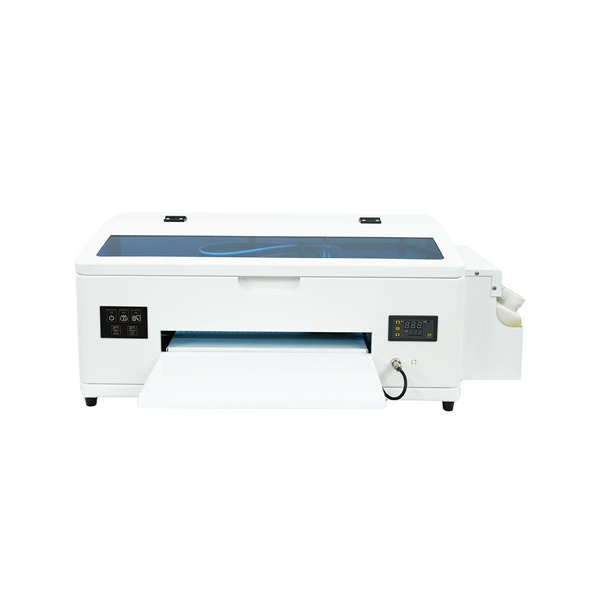
Pitfall 1: Low-Priced Models Lack “Independent Cooling Systems”, Causing Nozzle Clogs in 1 Month
To cut costs, many low-priced UV DTF Printers omit the independent nozzle cooling module. Tests show that after 2 hours of continuous printing, the temperature of nozzles without cooling rises from 25℃ to 52℃, increasing the viscosity of UV ink by 30% and directly clogging nozzles. In contrast, models with cooling systems (mostly priced above 20,000 yuan) keep nozzle temperatures stable below 30℃, reducing clogging rates by 80%.
Pitfall 2: “False Labeling” of Nozzle Models, Cutting Precision by Half
Merchants often claim to use “Epson nozzles” but actually use old models or domestic counterfeits. For example, genuine Epson I3200-A1 nozzles have a precision of 1440 dpi and can clearly print 2mm small text, while counterfeits only have 720 dpi, resulting in blurry text edges. Identification method: Ask the merchant for the nozzle serial number and verify it on Epson’s official website (genuine products show production batches).
Pitfall 3: Only 3 Months of After-Sales Warranty—Replacing Parts Costs More Than Buying a New Machine
Core parts of UV DTF Printers (nozzles, UV lamps) have a lifespan of about 1 year. If the after-sales warranty is only 3 months, replacing an original nozzle later costs 5,000 yuan (30% of the total price of entry-level models). Regular brands (e.g., Mode, Mocai) offer at least 1 year of warranty and on-site maintenance, saving you much trouble.
3. Interpretation of Core Parameters: More Expensive Doesn’t Mean Better—These 3 Parameters Are Key
When choosing a UV DTF Printer, you don’t need to focus on “gimmick functions”. Focus on the following 3 core parameters to match your needs:
1. Nozzle Type: Choose Based on “Precision Requirements”, Don’t Blindly Pursue High-End
2. Curing Power: Determine Based on “Material Hardness”—Higher Isn’t Better
Curing power determines ink adhesion, but different materials have different requirements:
3. Printing Width: Choose Based on “Business Volume” to Avoid Waste
4. 2025 Tested Recommendations: 5 Cost-Effective UV DTF Printers Covering Different Budgets
Based on 3 months of testing (printing over 1,000 samples to test adhesion, speed, and failure rate), the following 5 models are recommended, covering entry-level to industrial needs:
(1) Entry-Level (18,000-25,000 Yuan): Suitable for Small Businesses/Personal Studios
1. Mocai UV-DTF-600
2. Moyin X60
(2) Mid-Level (30,000-50,000 Yuan): Suitable for Medium-Sized Stores/Bulk Production
3. Mode UV-DTF-1200
4. Moxing M12
(3) Industrial-Level (Over 80,000 Yuan): Suitable for Factories/Large Enterprises
5. Moke K2000
5. Practical Cost-Saving Tips: 3 Key Techniques to Reduce Ink/Nozzle Loss by 50%
Many users overlook practical details, leading to high consumable loss. Here are 3 tested effective tips:
1. Material Pre-Treatment: 1 Step to Improve Adhesion and Save Rework Costs
2. Ink Selection: Don’t Mix Brands—Otherwise, Nozzle Clogs Will Cost You Dearly
UV inks from different brands have significant composition differences. Mixing them causes chemical reactions and nozzle clogs. It is recommended to use original ink matching the printer model (e.g., Mocai ink for Mocai printers). Although the unit price is 10% higher, nozzle lifespan is extended by 50%, resulting in lower overall costs.
3. Daily Maintenance: 5-Minute Care to Reduce Failures
6. FAQ: 4 Most Common Questions for Beginners
1. Can UV DTF Printers Print on Food-Contact Materials?
Not recommended. Ordinary UV inks contain volatile substances. For printing on food-contact materials (e.g., tableware), “food-grade UV inks” (3 times more expensive than ordinary inks) are required, and FDA certification is necessary. Small and medium-sized businesses should be cautious.
2. How Long Should Printed Items Be Left to Stand Before Use?
UV-cured items dry instantly, but it is recommended to let them stand for 2 hours before use: first, to allow complete ink curing (improving adhesion), and second, to volatilize residual odors (especially for indoor items).
3. What to Do If Nozzles Clog? Don’t Replace Them Immediately—Try This First
For mild clogging (some nozzles not ejecting ink): Use a syringe to draw cleaning solution, inject it into the nozzle ink inlet, press repeatedly 5 times, then turn on the machine and print a test page—80% of cases can be resolved. For severe clogging (no ink ejection at all), contact after-sales for replacement.
4. With a Limited Budget, Is It Advisable to Buy Used UV DTF Printers?
Be cautious. Nozzles and UV lamps of used models are mostly worn (hard to judge with the naked eye), and there is no after-sales guarantee. A tested used model cost 10,000 yuan to buy, but its nozzles clogged after 1 month, and replacing them cost 5,000 yuan—total cost was higher than buying a new machine.
Conclusion
The core logic of choosing a UV DTF Printer is to “match business needs”: Small studios should choose 60cm width + Epson nozzles (to ensure precision); medium-sized stores should choose 1.2m dual-nozzles (to balance efficiency); factories should choose industrial-grade models (to pursue stability). Avoid the pitfalls of “low price without cooling, false nozzle labeling, and short after-sales warranty”, and perform daily maintenance well—equipment lifespan can be extended by 2-3 years. If you have specific business scenarios (e.g., focusing on phone case customization or advertising signs), feel free to leave a message, and I will help you recommend more accurate models and parameter configurations.