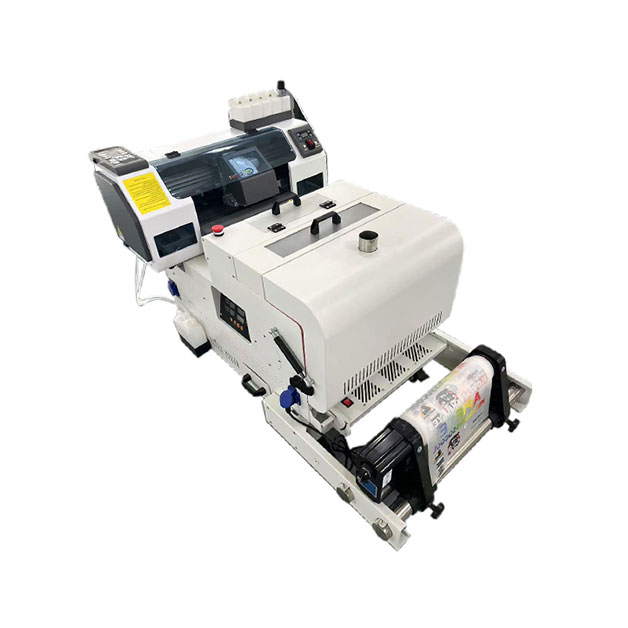
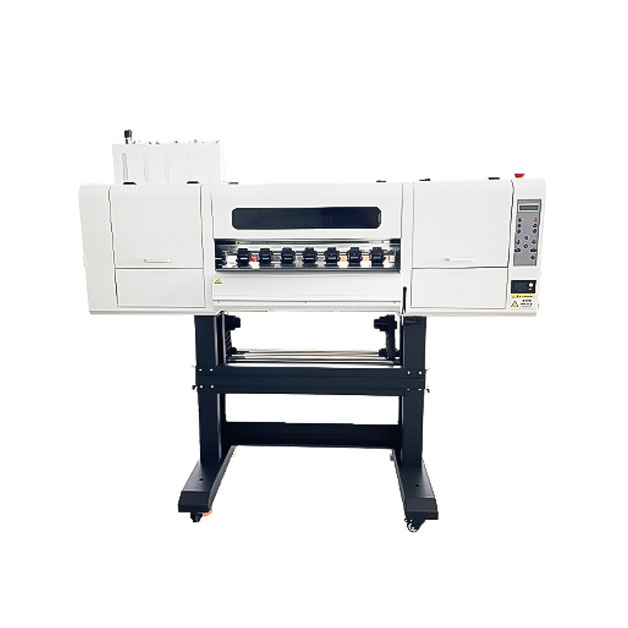
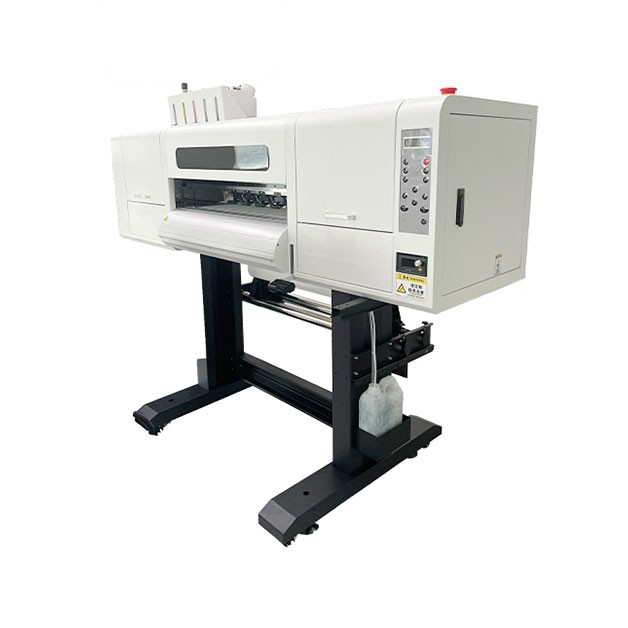

DTF printing is a powerful tool for creating high-quality custom apparel, but even the most advanced systems can encounter issues that affect print quality. From ink bleeding to poor adhesion, technical problems can lead to wasted materials, missed deadlines, and unhappy customers. In this guide, we’ll explore common DTF printing issues, their causes, and step-by-step solutions to keep your printer running smoothly. We’ll also share maintenance best practices to prevent problems before they occur.
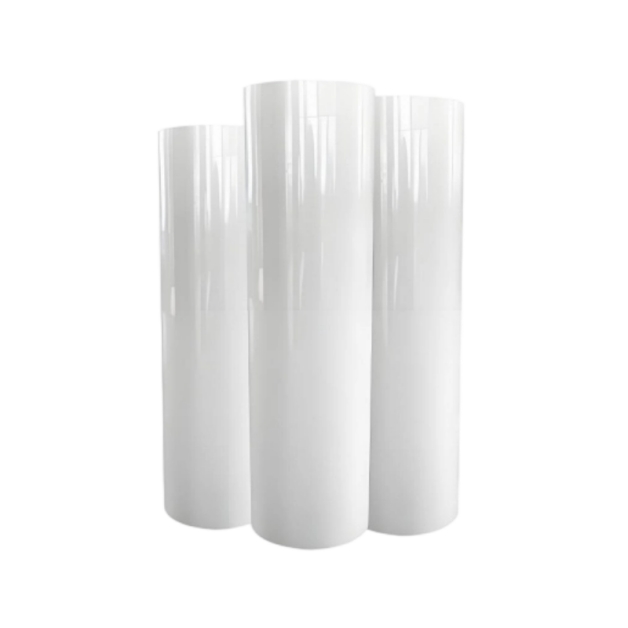
Ink bleeding is a frustrating issue that results in blurry, smudged prints. It occurs when ink spreads beyond the intended design area, often due to incorrect printer settings or poor-quality materials. To fix ink bleeding, start by adjusting the ink density in your printer software—reducing the density can prevent excess ink from spreading. Ensure you’re using the correct type of PET film for your printer, as low-quality film can absorb too much ink. Additionally, check the temperature and pressure of your heat press; too much heat can cause ink to bleed into the fabric. For best results, test print on a scrap piece of fabric before starting a full batch.
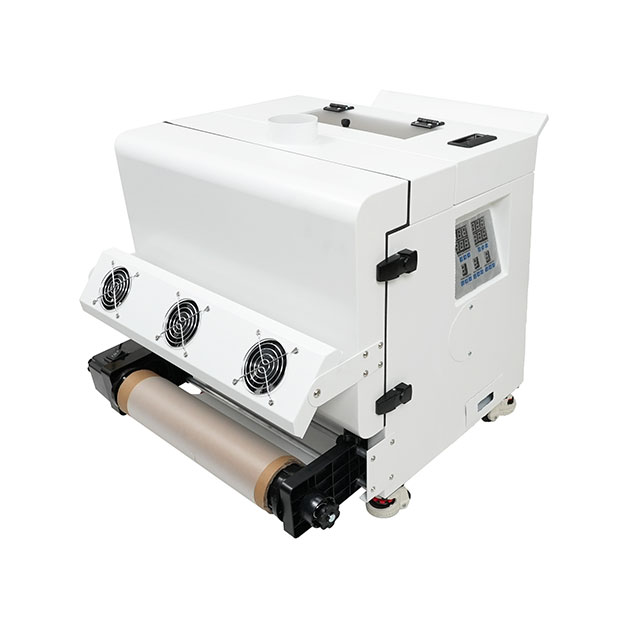
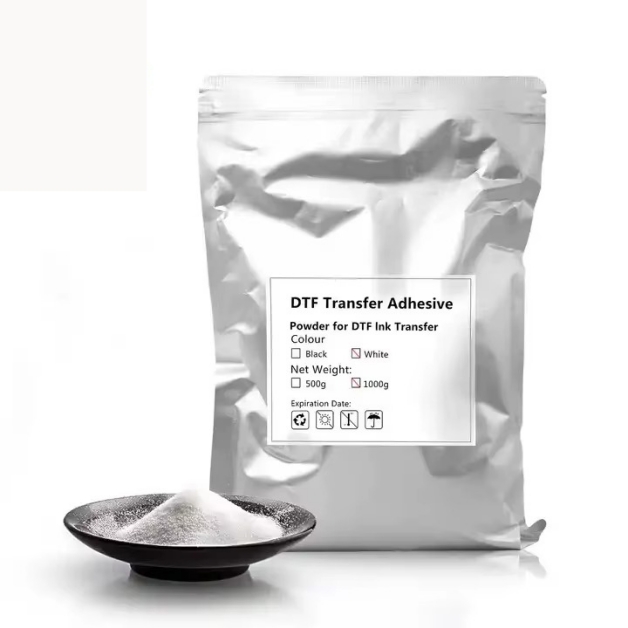
Poor adhesion is one of the most common complaints in DTF printing, with prints peeling off after just a few washes. The main causes include insufficient heat press time, incorrect pressure, or low-quality adhesive powder. To resolve this, increase the heat press temperature to 330-350°F and extend the pressing time to 15-20 seconds. Ensure the pressure is set to 50-60 PSI, as too little pressure won’t bond the design to the fabric. Use a high-quality adhesive powder that is compatible with your DTF ink, and apply an even layer using a powder shaker. If the problem persists, pre-treat the fabric with a bonding agent to improve adhesion.
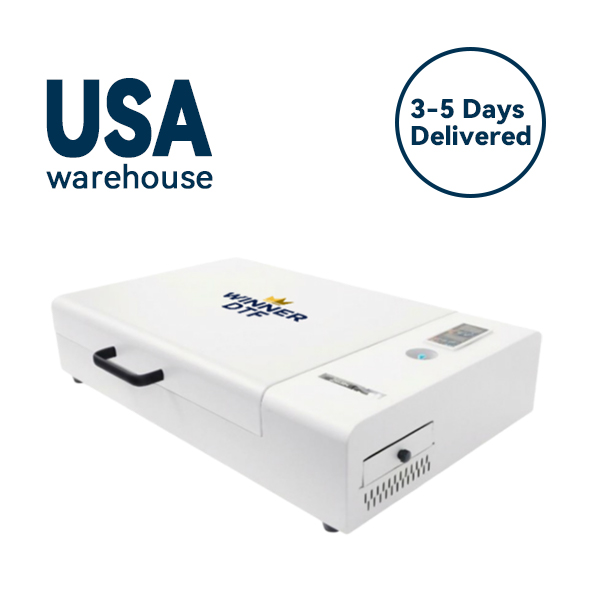
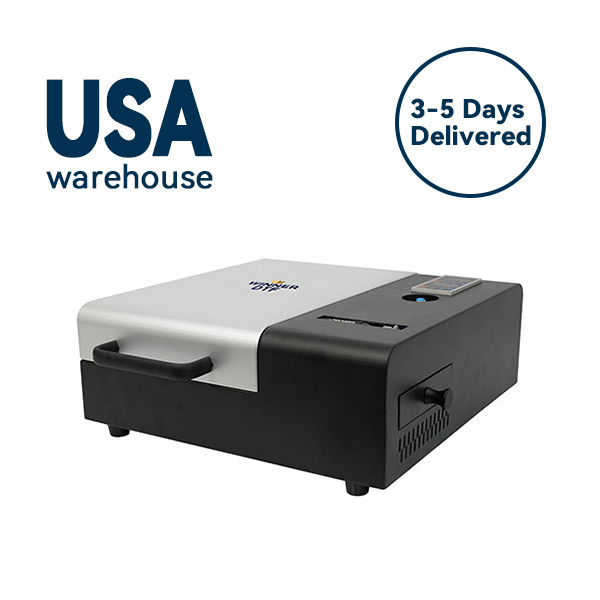
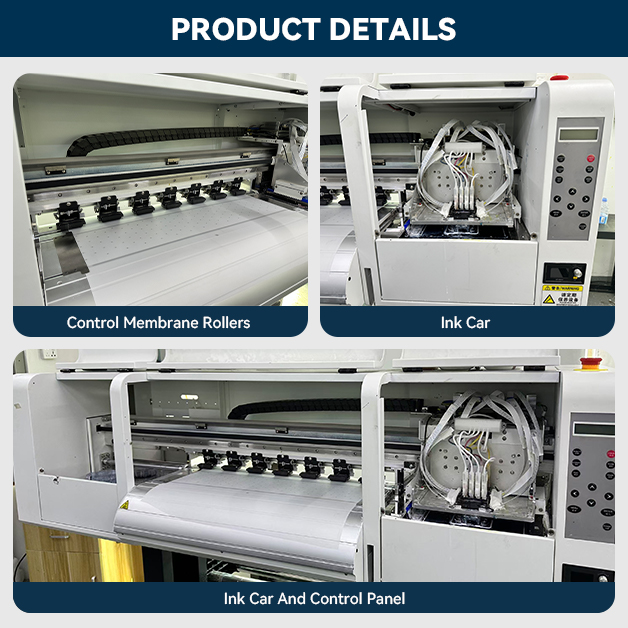
A daily maintenance routine is essential for keeping your DTF printer in top condition. Start by wiping down the exterior of the printer to remove dust and debris. Check the ink levels and replace cartridges before they run empty to avoid air bubbles in the lines. Run a nozzle check to ensure all nozzles are firing correctly, and clean the print bed to remove any leftover ink or fabric fibers. For the powder shaker, clean the hopper and filter to prevent clogs. By spending 10-15 minutes on daily maintenance, you can avoid costly repairs and downtime.
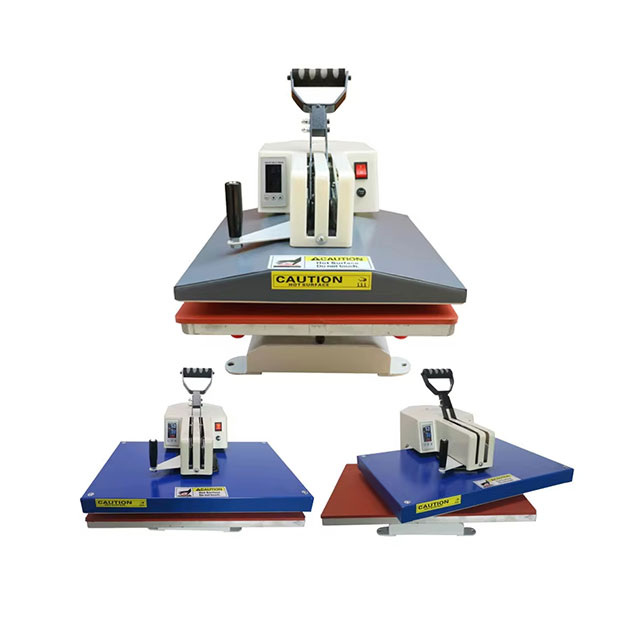
Monthly deep cleaning is crucial for long-term printer health. Disassemble the print head (if your model allows) and soak it in a cleaning solution to remove stubborn clogs. Inspect the belts, rollers, and gears for wear and tear, and lubricate moving parts as recommended by the manufacturer. Check the electrical connections for loose wires and ensure the printer is properly grounded. For the heat press, clean the platen with a non-abrasive cleaner and replace the Teflon sheet if it’s worn. By performing a monthly deep clean, you can extend the lifespan of your DTF printer by years.
Cotton and cotton blends are the most common fabrics used in DTF printing, but they require specific settings to achieve vibrant, durable prints. For cotton, use a white underbase to make colors pop, especially on dark-colored fabrics. Adjust the ink density to 80-90% to prevent bleeding, and use a heat press temperature of 320-330°F. For blends, reduce the heat press temperature to 300-320°F to avoid melting synthetic fibers. Use a medium pressure setting (40-50 PSI) to ensure the design bonds properly without damaging the fabric. By tailoring your settings to the fabric type, you can achieve consistent, high-quality prints.
Synthetic fabrics like polyester and spandex present unique challenges for DTF printing, as they are sensitive to heat and can melt or shrink. To print on synthetic fabrics, use a low-temperature heat press setting (280-300°F) and reduce the pressing time to 10-15 seconds. Use a heat-resistant tape to secure the fabric to the platen and prevent shifting. For ink, choose a synthetic-friendly DTF ink that is designed to adhere to synthetic fibers without cracking or peeling. Additionally, use a matte topcoat to reduce shine and improve the feel of the print. By following these tips, you can create beautiful prints on synthetic fabrics that last.
DTF printing offers endless possibilities for custom apparel, but consistent quality requires proper troubleshooting and maintenance. By understanding common issues like ink bleeding and poor adhesion, and following preventive maintenance routines, you can keep your printer running smoothly and produce high-quality prints every time. Whether you’re printing on cotton, blends, or synthetic fabrics, tailoring your settings to the material type is key to achieving vibrant, durable results. With the right knowledge and practices, you can build a successful DTF printing business that delivers exceptional value to your customers.