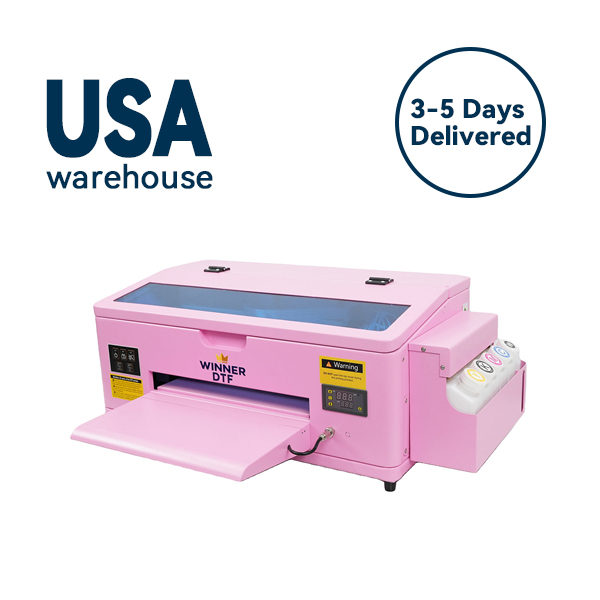
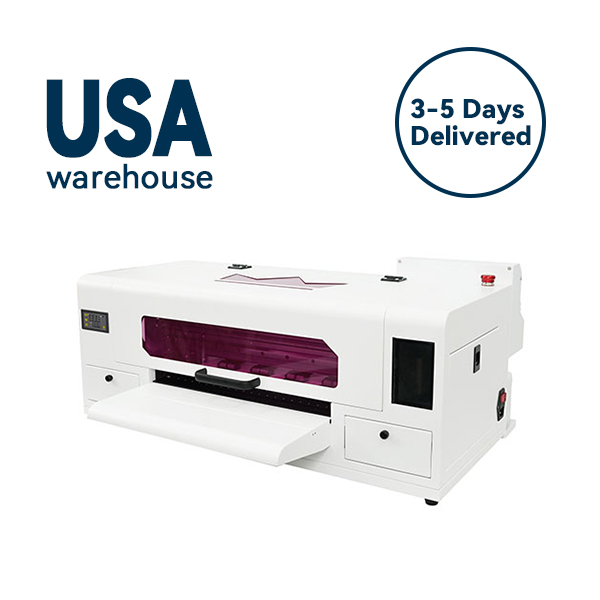
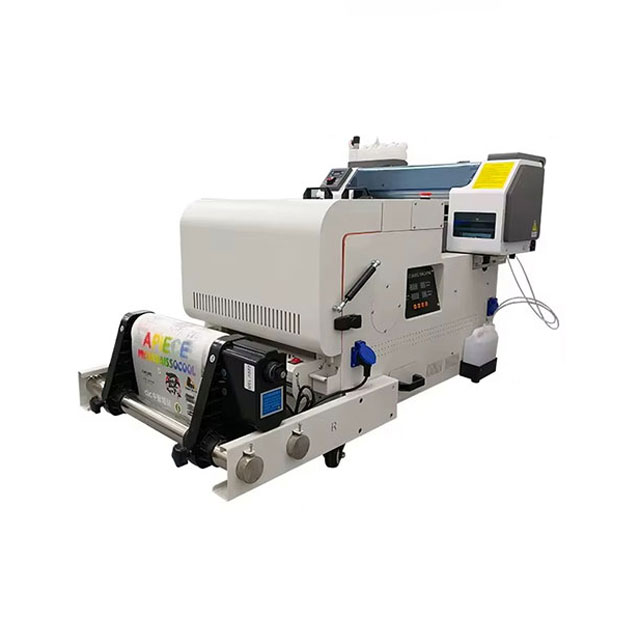
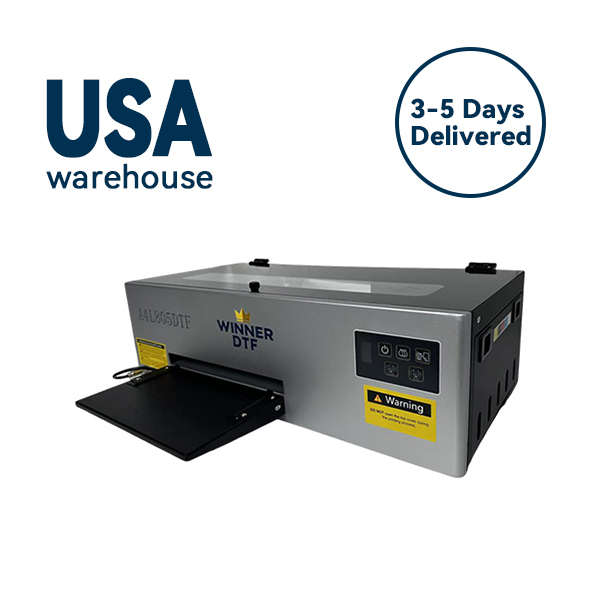
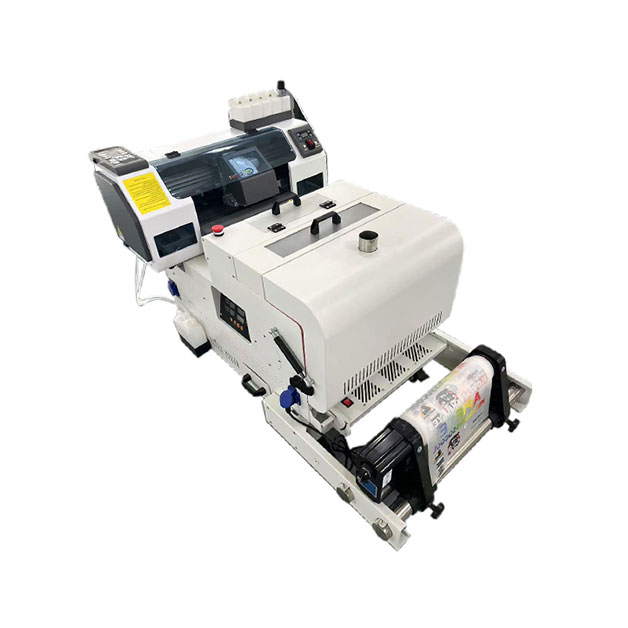
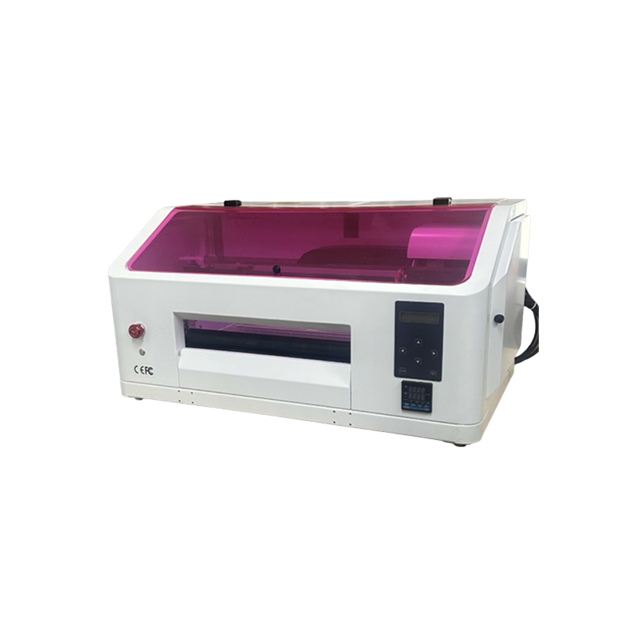
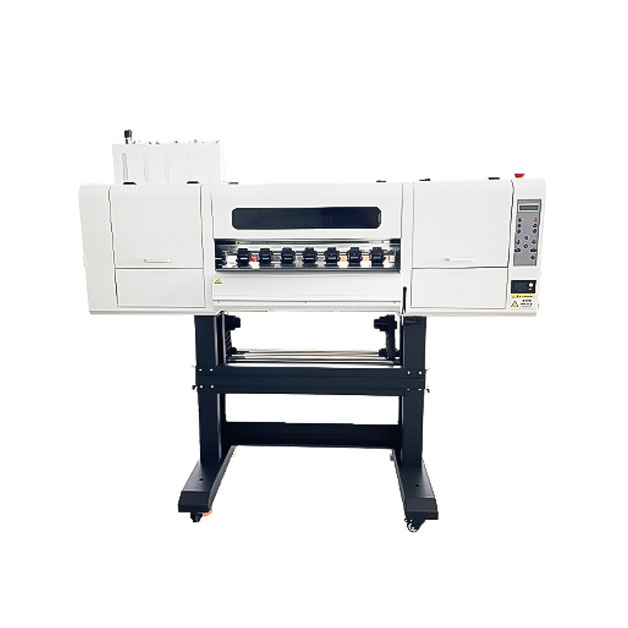
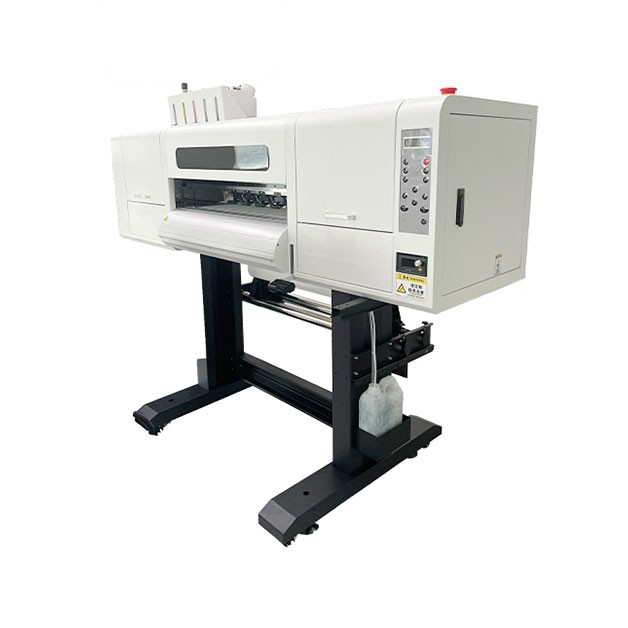

The custom printing industry is in a constant state of flux, caught between the demand for high-mix, low-volume runs and the need for photorealistic quality. If you have been watching industry trends, you have likely noticed two acronyms dominating the conversation: DTF (Direct to Film) and UV DTF.
While standard DTF has revolutionized the textile world, UV DTF printing is quietly—and rapidly—becoming the go-to solution for hard surfaces. It is not quite a sticker, not quite a direct print, but a hybrid that combines the durability of UV ink with the application simplicity of a peel-and-stick decal.
For entrepreneurs and print shops in 2026, understanding this technology isn’t just about adding a service; it is about unlocking new revenue streams on items that were previously impossible to decorate.
If you are new to the space, UV DTF can seem almost like magic. You can produce a high-resolution, glossy graphic on a special film and then simply stick it onto a textured water bottle, a curved phone case, or a rough acrylic panel without a heat press.
Unlike traditional DTF, which relies on adhesive powder and heat, UV DTF utilizes a unique two-film system .
The most significant mechanical difference between UV DTF and standard methods is the lack of heat. Traditional DTF requires a heat press to melt adhesive powder and bond the design to fabric. UV DTF uses pressure only. You burnish the design onto a surface, peel the carrier, and the UV-cured ink stays put. This “cold transfer” opens up applications on heat-sensitive materials like thin plastics or certain coated metals that would warp under a heat press .
One of the biggest sources of confusion for buyers is choosing between standard DTF and UV DTF. The reality is that they are not competitors; they are siblings designed for different types of materials. Choosing the wrong one can lead to peeling prints or unhappy customers.
Standard DTF prints on fabric are known for their soft hand-feel, but they are measured in wash cycles (often 50+). UV DTF prints are measured in years (typically 2-5 years of environmental exposure). They offer a distinct, raised texture with a high-gloss or matte finish, providing a premium, “domed label” aesthetic that direct-to-object printing sometimes lacks .
While standard DTF requires a printer, powder shaker, curing oven, and heat press, UV DTF consolidates the workflow. You need a UV printer and a laminator. However, the consumables cost differs. Standard DTF uses PET film and powder; UV DTF uses the specific A/B film, which is a recurring cost that can be slightly higher per square foot but requires less labor .
Before the advent of UV DTF, if you wanted to print on a rigid object, you had to use a flatbed UV printer. This meant the object had to physically fit inside the machine. UV DTF has changed that paradigm.
Direct UV printing is fast and durable for flat items. However, it struggles with tall objects, deep curves, or recessed areas. To print on a cylindrical tumbler with a flatbed printer, you need an expensive rotary attachment.
UV DTF removes the object from the machine entirely. You print flat on the film, then wrap the design around the object. This makes it infinitely scalable; if you can hold it, you can decorate it. Whether it is a skateboard deck with concave curves or a large motorcycle helmet that won’t fit in a printer, UV DTF handles it .
If you are considering adding this to your business, understanding the tactile workflow is crucial. While the software handles color management, the human element determines the final quality.
Start with your design in a RIP software. Unlike paper printing, UV DTF requires you to manage the white ink layer and the varnish layer. The white layer acts as a backdrop to make colors pop on dark or clear surfaces. The varnish layer (gloss or matte) protects the graphic from scratches and UV rays. Most modern desktop UV printers, like the eufyMake E1 or xTool S1, have presets that automate this layering .
After printing on Film A, you must immediately laminate it with Film B. This is where beginners often fail. Dust or fingerprints between the layers will ruin the transfer.
Pro Tip: Use a laminator or a firm squeegee. Start from the center and push outwards to eliminate air pockets. The adhesive on Film B is “aggressive,” meaning it bonds instantly—you don’t get a second chance to reposition once it touches .
When applying the transfer to the final product, surface preparation is key. The surface must be cleaned with isopropyl alcohol.
Apply the laminated transfer (with Film B facing you) to the product and burnish firmly. You are looking for a phenomenon called “wet out”—where the adhesive completely saturates the surface micro-structure, eliminating any air that causes a silvered appearance. Peel the Film B back at a sharp angle (180 degrees) to ensure the adhesive releases cleanly from the carrier .
Adopting UV DTF isn’t just about having a new toy; it’s about solving specific customer problems that generate high margins.
Promo distributors often get requests for logo placement on oddly shaped items: golf balls, textured water bottles, or tools with rubberized grips. Vinyl fails on texture, and screen printing is too expensive for one-offs. UV DTF handles these with ease, offering full-color, photographic logos where pad printing was once the only (limited) option .
Because UV ink is inherently resistant to UV light and water, these transfers are perfect for car decals, boat stickers, and outdoor equipment. Unlike cut vinyl, which is just colored material, UV DTF allows for complex gradients and photographic images on car windows or panels .
Brands needing short-run packaging for product launches are turning to UV DTF. Instead of ordering 10,000 custom printed boxes, they order plain boxes and apply UV DTF labels. The high-gloss, raised finish mimics the look of foil stamping or spot UV, making prototypes and limited editions look high-end without the minimum order quantities .
Is UV DTF profitable? The answer lies in your target market.
The entry cost for UV DTF has dropped significantly in 2025-2026. Desktop UV printers now range from $2,000 to $5,000, with laminators adding a few hundred dollars .
The margins, however, are substantial. A sheet of A/B film might cost $1-$3, and the ink cost for a 2″x2″ logo is pennies. That same decal can be sold for $5-$10 on a custom mug or $15-$20 as a durable automotive decal. The “sticker-like” perception often leads customers to undervalue the production cost, allowing you to capture a premium for the durability and glossy finish .
For home-based businesses, the elimination of a heat press is a major safety and space benefit. There is no risk of burning fabrics or warping materials. This makes UV DTF an attractive entry point for crafters transitioning to a serious business without the industrial overhead of a standard DTF setup .
UV DTF printing is not a replacement for DTF or screen printing; it is an expansion of your capabilities. It fills the void between “flat hard surfaces” and “soft textiles.” In the current market, where personalization is king, the ability to decorate anything—regardless of shape, size, or material—gives you a distinct competitive advantage.
If your business is frequently turning down orders because an item is “too round,” “too textured,” or “too heat-sensitive,” investing in a UV DTF workflow in 2026 will not only solve those problems but also open the door to a new category of creative, high-margin products.