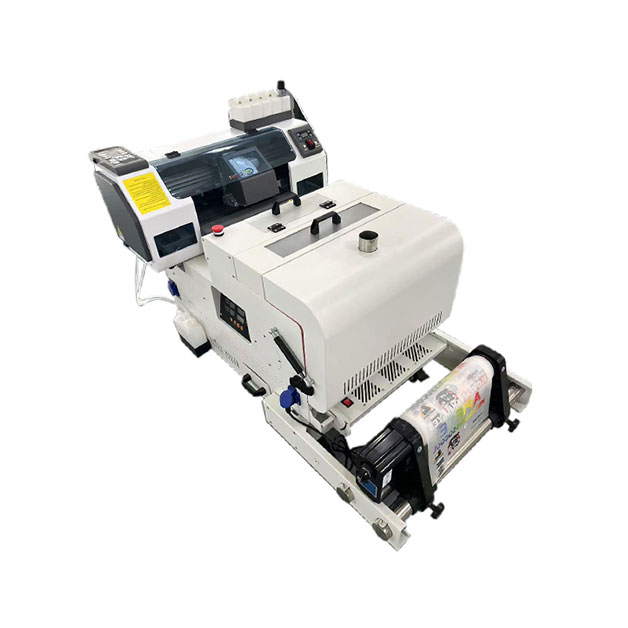
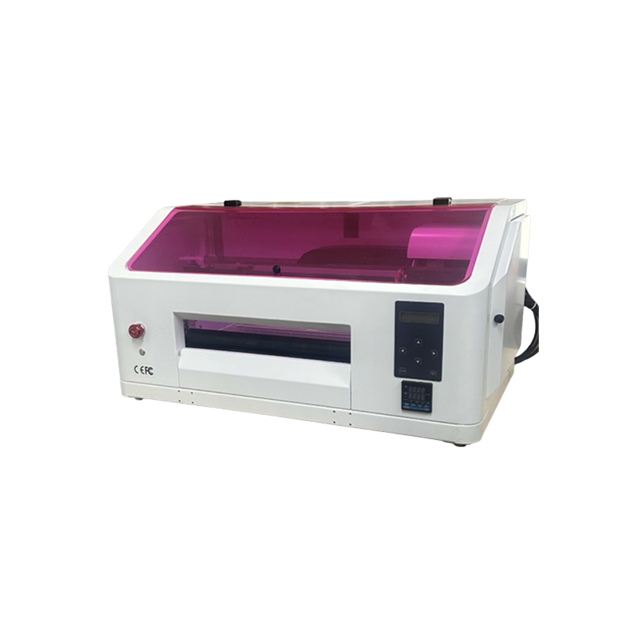
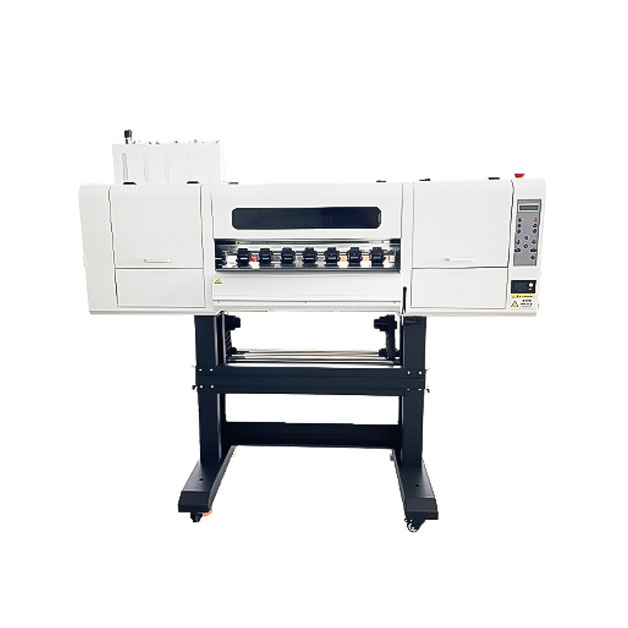
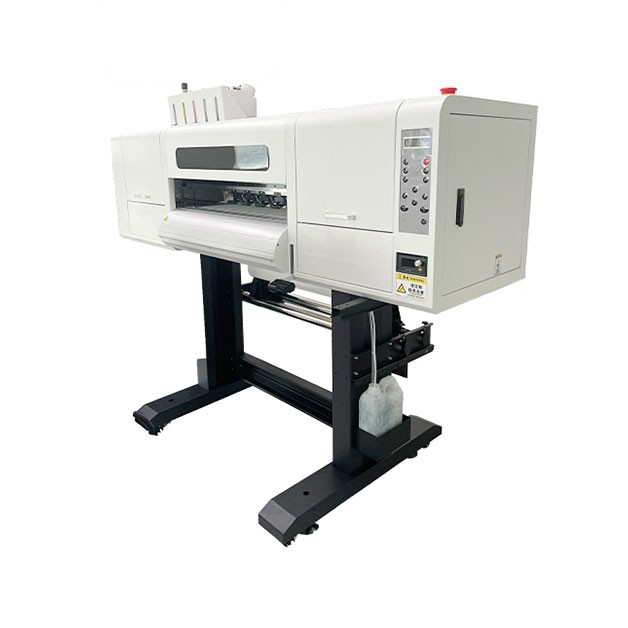

A reliable shirt printer is the heart of your apparel business—but even the best machines can encounter problems. From clogged nozzles to color inconsistencies, technical issues can disrupt production and cost you money. In this guide, we’ll cover actionable troubleshooting steps and maintenance routines to keep your shirt printer running smoothly, reduce downtime, and maximize its lifespan.
Clogged print heads are one of the most frustrating issues in shirt printing, often resulting in streaky prints or missing colors. The main causes include infrequent use, low-quality ink, and improper storage. To fix a clogged print head, start with a built-in cleaning cycle on your printer. If that doesn’t work, manually clean the nozzles using a lint-free cloth and isopropyl alcohol. For persistent clogs, consider using a specialized cleaning solution or consulting a professional technician. Prevention is key—run a test print every few days and store your printer in a cool, dry place to avoid ink drying in the nozzles.
Color inconsistencies can ruin a batch of printed shirts, leading to customer complaints and reprints. Common causes include uncalibrated monitors, expired ink, and incorrect print settings. To resolve this issue, calibrate your monitor using a colorimeter to ensure accurate color representation. Update your printer’s firmware and drivers to the latest version, and perform a color calibration on the printer itself. Use high-quality, manufacturer-recommended ink to maintain color stability. Additionally, always preview designs in print mode before production to catch color discrepancies early.
A daily maintenance routine can prevent most common issues and keep your printer in top condition. Start by wiping down the exterior of the printer to remove dust and debris. Check the ink levels and replace cartridges before they run empty to avoid air bubbles in the lines. Run a nozzle check to ensure all nozzles are firing correctly, and clean the print bed to remove any leftover ink or fabric fibers. For DTG printers, flush the ink lines at the end of each day to prevent clogs. By spending 10-15 minutes on daily maintenance, you can avoid costly repairs and downtime.
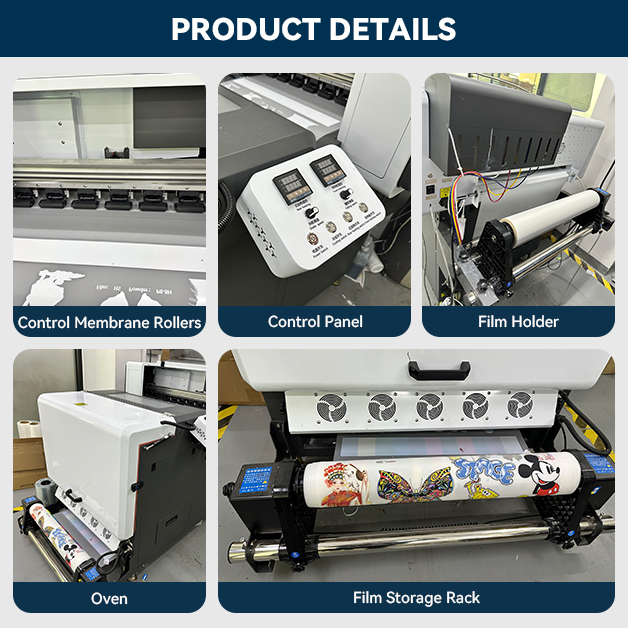
Monthly deep cleaning is essential for long-term printer health. Disassemble the print head (if your model allows) and soak it in a cleaning solution to remove stubborn clogs. Inspect the belts, rollers, and gears for wear and tear, and lubricate moving parts as recommended by the manufacturer. Check the electrical connections for loose wires and ensure the printer is properly grounded. For screen printing machines, clean the screens thoroughly and replace any damaged mesh. By performing a monthly deep clean, you can extend the lifespan of your printer by years.
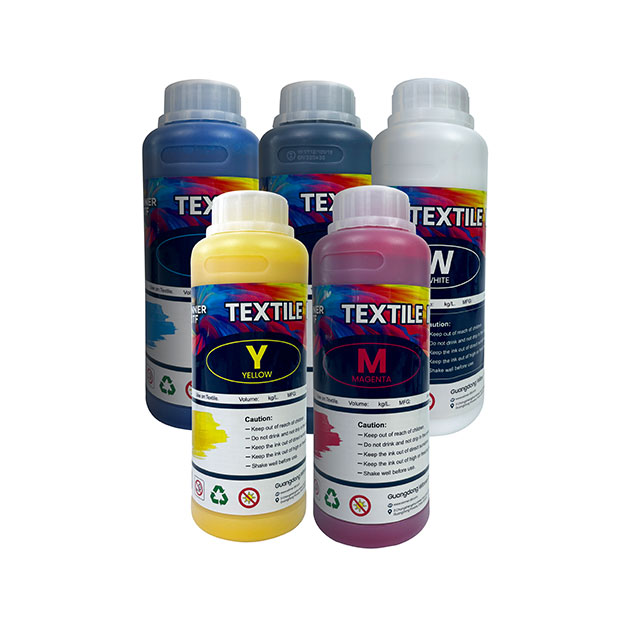
The type of ink you use has a significant impact on print quality and durability. Water-based inks are eco-friendly, soft to the touch, and ideal for light-colored fabrics. They are also easier to clean up and produce vibrant colors on cotton. Plastisol inks, on the other hand, are more durable and resistant to fading, making them suitable for dark-colored fabrics and high-wear items like workwear. Consider your target market and the type of shirts you print when choosing ink. For example, if you cater to eco-conscious consumers, water-based inks are a better choice, while plastisol inks are ideal for industrial or outdoor apparel.
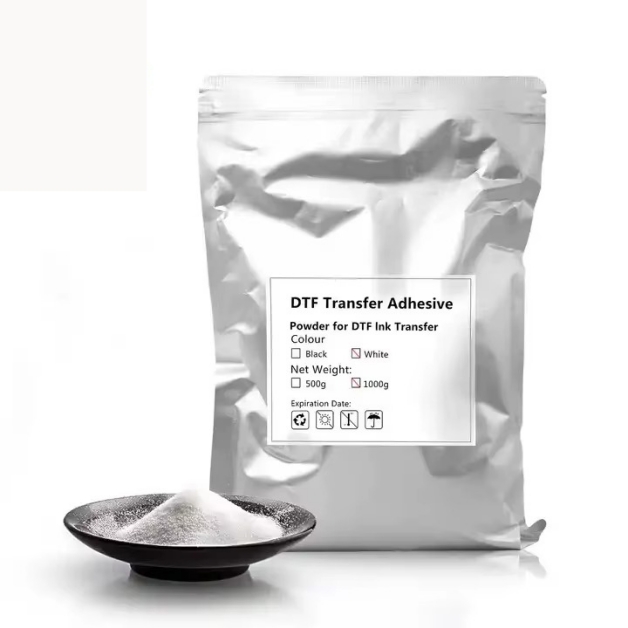
The right paper and pre-treatment solutions can enhance print quality and reduce waste. For heat transfer printing, use high-quality transfer paper that is compatible with your printer and ink type. Pre-treatment solutions are essential for DTG printing on dark fabrics, as they help the ink adhere properly and prevent bleeding. Choose a pre-treatment solution that is formulated for your printer model and fabric type. Always follow the manufacturer’s instructions for application, as improper pre-treatment can lead to poor print quality and wasted materials.
A well-maintained shirt printer is an investment that pays off in the long run. By troubleshooting common issues, following a preventive maintenance routine, and choosing the right supplies, you can keep your printer running efficiently and produce high-quality prints consistently. Whether you’re using a DTG, screen, or heat transfer printer, these tips will help you minimize downtime, reduce costs, and grow your business. Remember, regular maintenance is cheaper than repairs—so make it a priority to keep your shirt printer in top shape.