
Direct-to-Film (DTF) printing has emerged as a game-changer in the custom apparel industry, offering a versatile and cost-effective alternative to traditional methods like screen printing and DTG. Whether you’re a small business owner, a graphic designer, or a fashion enthusiast, understanding DTF prints can help you create stunning, durable designs that stand out in a crowded market. In this comprehensive guide, we’ll explore everything you need to know about DTF printing, from the technology behind it to best practices for achieving professional results.
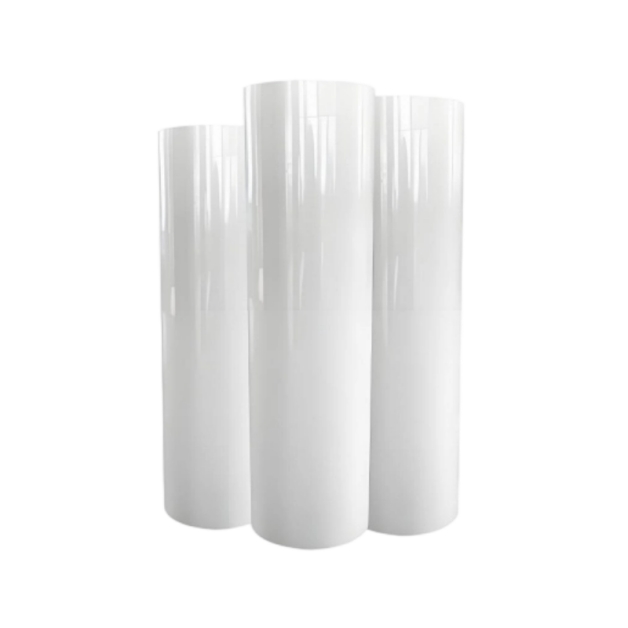
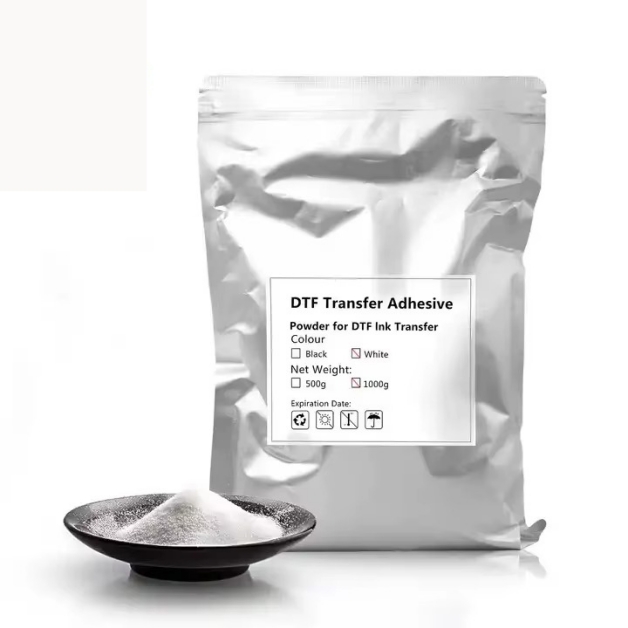
DTF printing involves transferring designs from a special film to fabric using heat and pressure. The process starts with creating a design in graphic software, which is then printed onto a PET film using water-based inks. A layer of hot-melt adhesive powder is applied to the printed film, which is then melted onto the design using a heat press. The film is then placed onto the fabric and pressed again, transferring the design and adhesive to the garment. Unlike DTG printing, DTF doesn’t require pre-treatment of the fabric, making it suitable for a wide range of materials, including cotton, polyester, and blends.
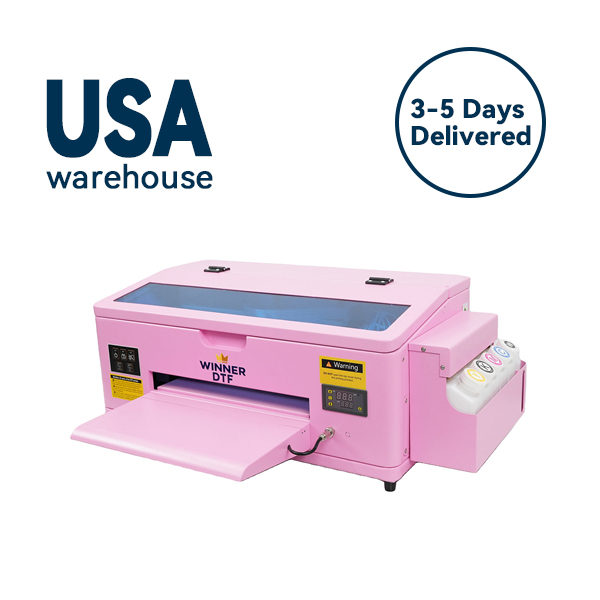
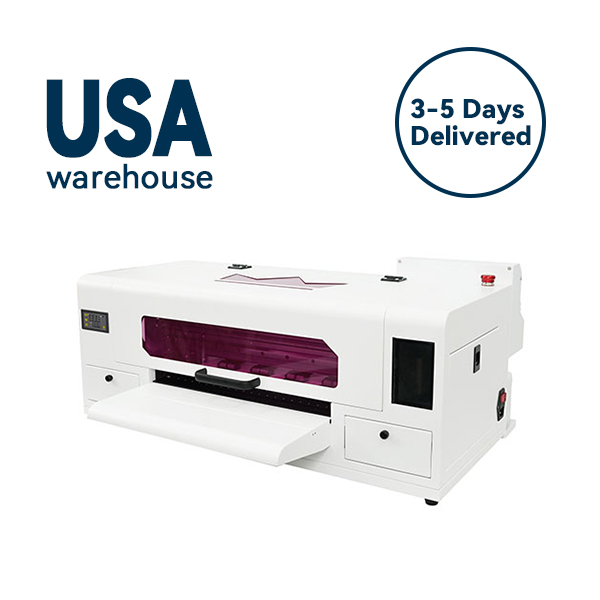
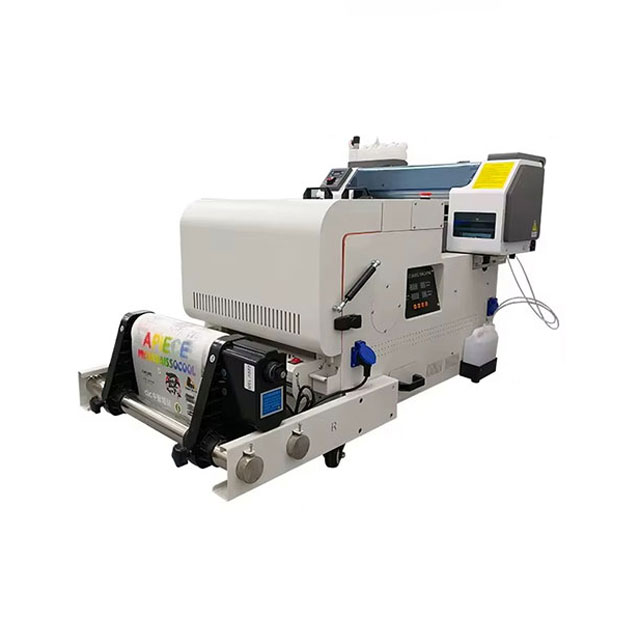
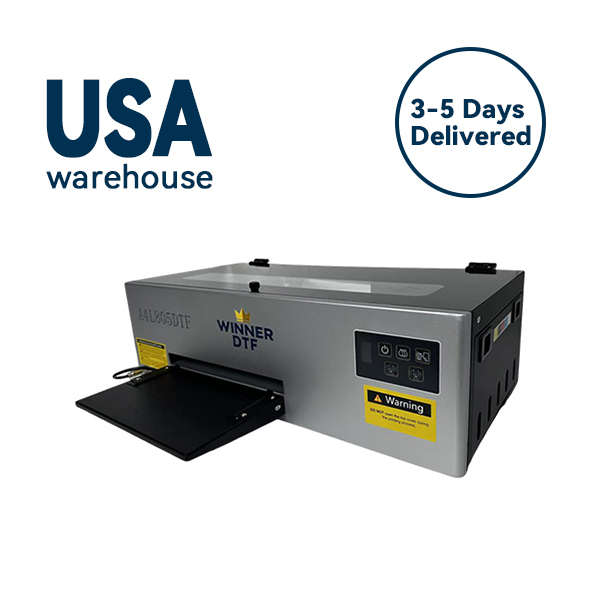
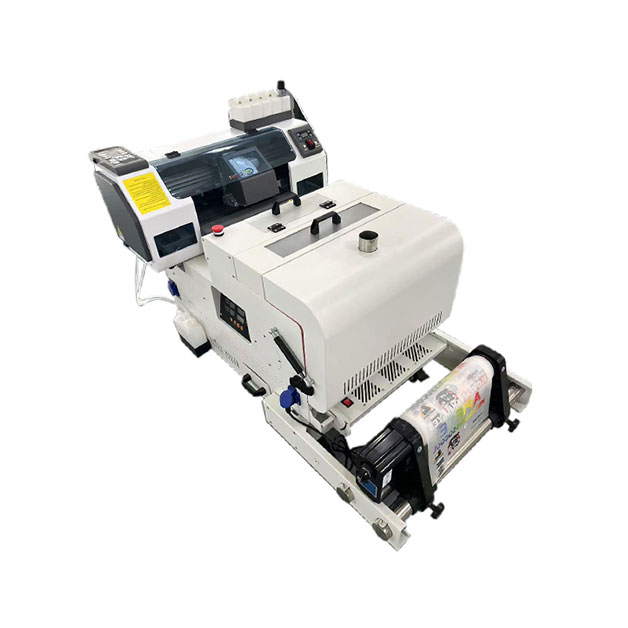
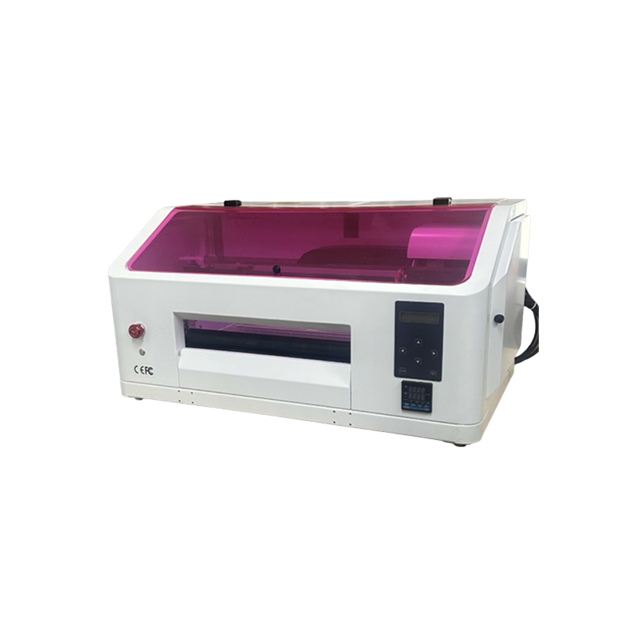
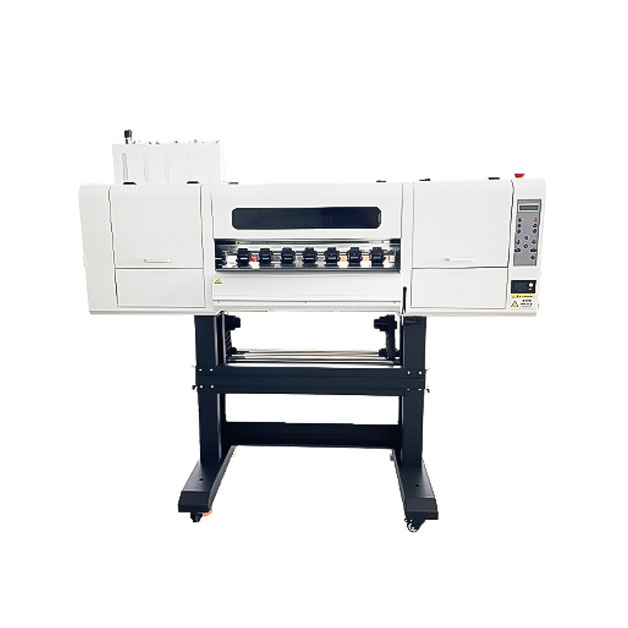
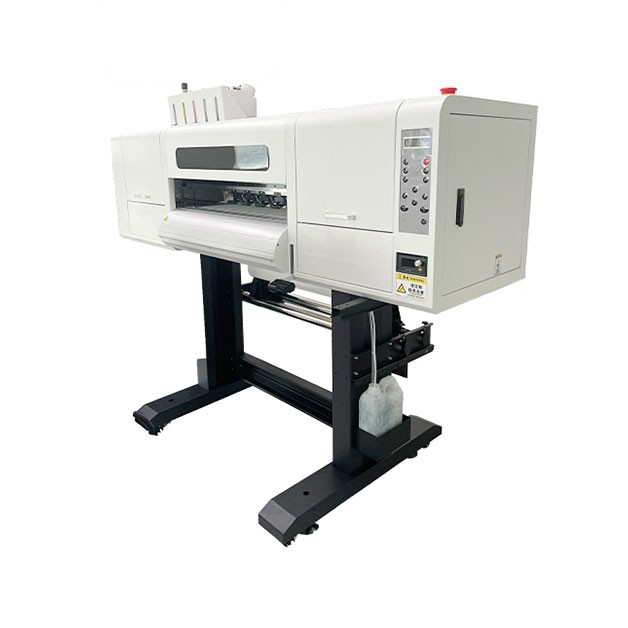
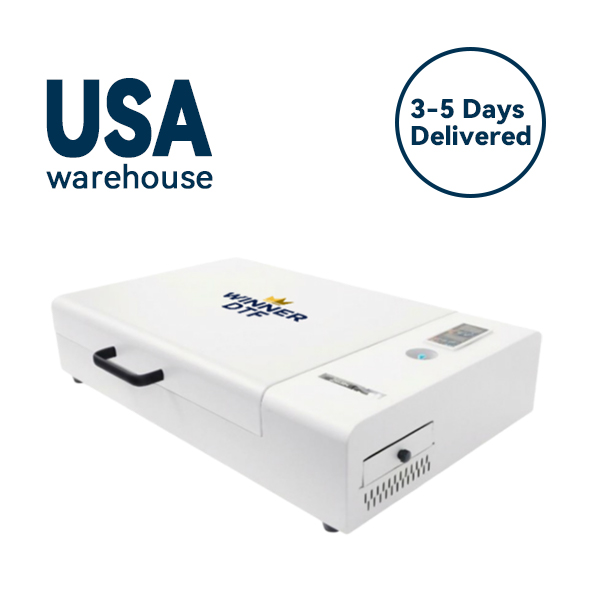
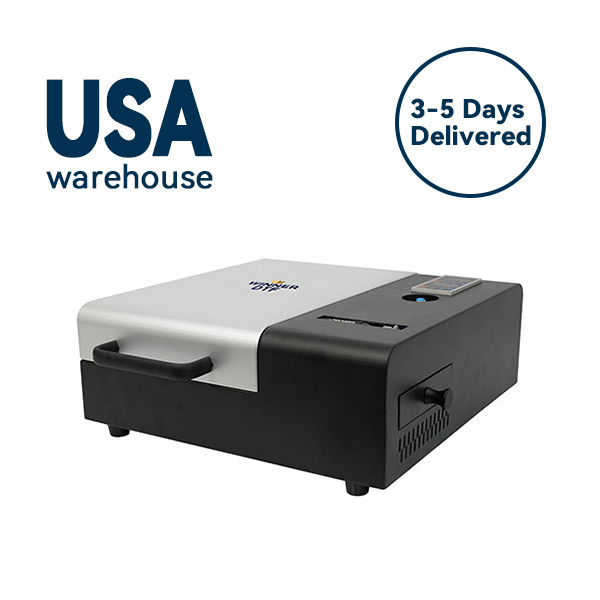
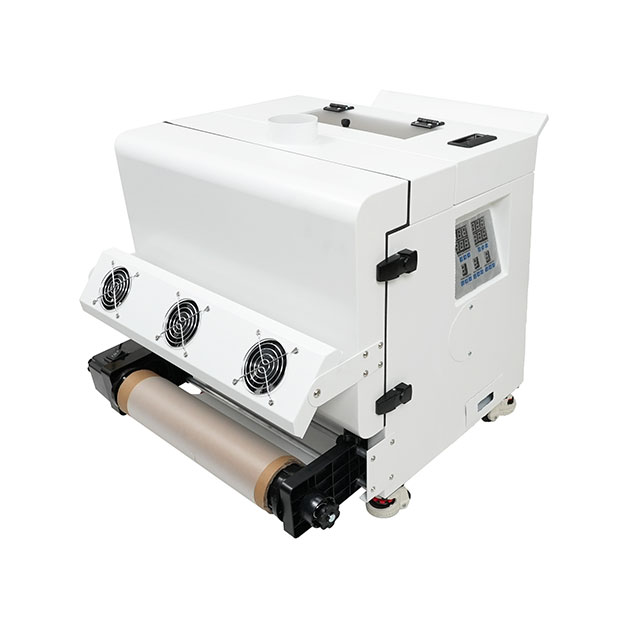
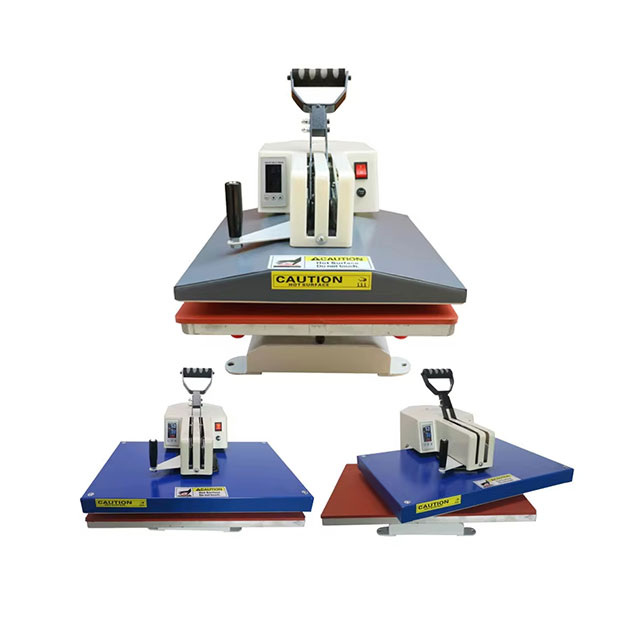
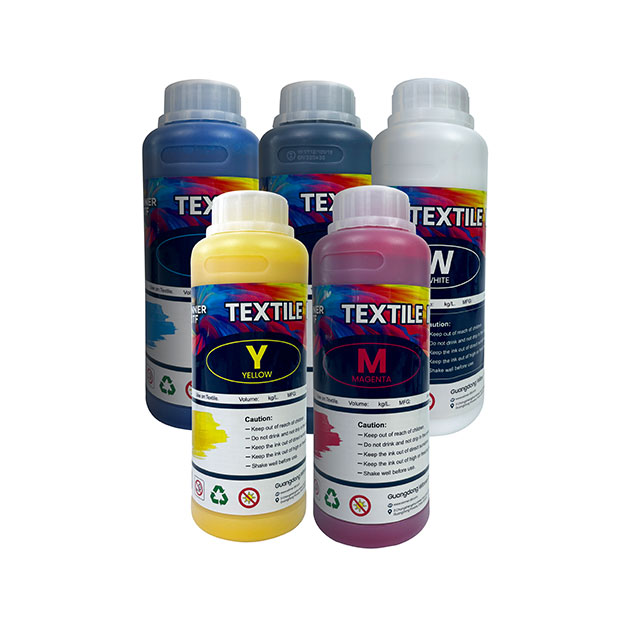
A basic DTF printing setup includes a printer, a heat press, and a powder shaker. The printer uses specialized DTF inks that are designed to adhere to the PET film and transfer to fabric. The heat press is used to melt the adhesive powder and bond the design to the garment. The powder shaker ensures an even application of adhesive powder, which is crucial for achieving a smooth, durable print. Advanced setups may include a conveyor dryer for faster powder melting and a pre-treatment machine for difficult fabrics. By investing in high-quality components, you can ensure consistent, professional results with your DTF prints.
One of the biggest advantages of DTF prints is their versatility. Unlike screen printing, which is limited to specific fabric types and colors, DTF can print on almost any material, including dark-colored fabrics, synthetic blends, and even leather. This makes it ideal for creating custom apparel for a wide range of applications, from t-shirts and hoodies to hats and bags. DTF prints also offer excellent color vibrancy and detail, making them suitable for complex designs with gradients, fine lines, and small text.
DTF printing has lower setup costs compared to screen printing, which requires creating a separate screen for each color in the design. This makes it more cost-effective for small batch orders and custom designs. DTF prints also have higher profit margins, as the cost per print is lower than DTG printing for large volumes. Additionally, DTF inks are more durable than water-based inks, reducing the need for reprints and increasing customer satisfaction. By choosing DTF printing, you can offer competitive pricing while maintaining high-quality standards.
Design preparation is key to achieving professional DTF prints. Start by using high-resolution images (300 DPI or higher) to ensure sharp, detailed prints. Avoid using overly complex designs with too many colors, as this can increase printing time and cost. Use graphic software like Adobe Photoshop or Illustrator to adjust the color profile and ensure compatibility with your DTF printer. For dark-colored fabrics, use a white underbase to make the colors pop, and for light-colored fabrics, skip the underbase to save ink and time. By following these design tips, you can create stunning prints that meet your customers’ expectations.
Printing and post-processing techniques play a crucial role in the quality of DTF prints. Start by calibrating your printer to ensure accurate color reproduction and consistent ink flow. Use a powder shaker to apply an even layer of adhesive powder, and avoid over-applying, as this can lead to a rough texture. Melt the powder using a heat press at the recommended temperature and time, and allow the film to cool before peeling it off the fabric. After printing, cure the garment in a dryer to ensure the design is fully bonded to the fabric. For best results, follow the manufacturer’s instructions for your specific DTF printer and inks.
Adhesion problems are one of the most common issues in DTF printing, often resulting from incorrect heat press settings or poor powder application. If your prints are peeling off, check the temperature and pressure of your heat press—most DTF prints require a temperature of 320-350°F and a pressure of 40-60 PSI. Ensure that the adhesive powder is evenly applied and melted completely, and avoid using low-quality powder that may not bond properly. If the problem persists, consider using a pre-treatment solution for difficult fabrics or adjusting the ink density in your printer settings.
Color inconsistencies can ruin a batch of DTF prints, leading to customer complaints and reprints. Common causes include uncalibrated monitors, expired ink, and incorrect print settings. To resolve this issue, calibrate your monitor using a colorimeter to ensure accurate color representation. Update your printer’s firmware and drivers to the latest version, and perform a color calibration on the printer itself. Use high-quality, manufacturer-recommended ink to maintain color stability. Additionally, always preview designs in print mode before production to catch color discrepancies early.
DTF prints offer a versatile, cost-effective solution for custom apparel printing, with advantages over traditional methods like screen printing and DTG. By understanding the technology behind DTF printing, following best practices for design and printing, and troubleshooting common issues, you can create professional-quality prints that meet your customers’ needs. Whether you’re a small business owner looking to expand your product line or a creative professional wanting to offer custom designs, DTF printing is a valuable addition to your toolkit. Invest in the right equipment and supplies, and start creating stunning DTF prints today.